
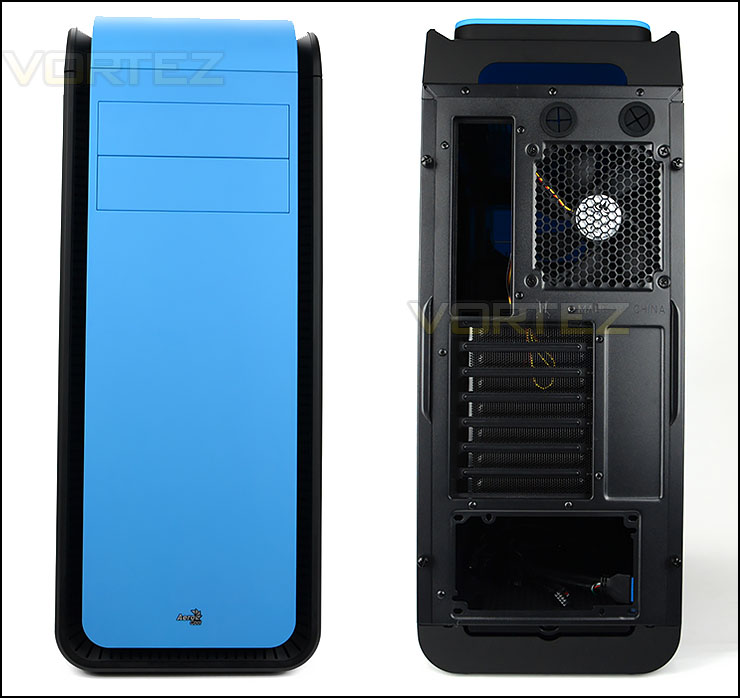
The front and back of DS200
At the front of DS200 there is a smooth, matt panel which wraps from the front over to the top. This panel sits on top of a ventilated section – this allows cool air to enter the case. There is an Aerocool emblem in the lower section and 2x5.25” drive bay covers towards the top section, these covers follow the same design as the front panel.
Around the back there is an opening at the bottom for mounting the PSU and a series of seven PCI expansion slot covers – each having ventilation for better airflow. Above this there is a 120mm rear exhaust cooling fan and two circular rubber grommets.
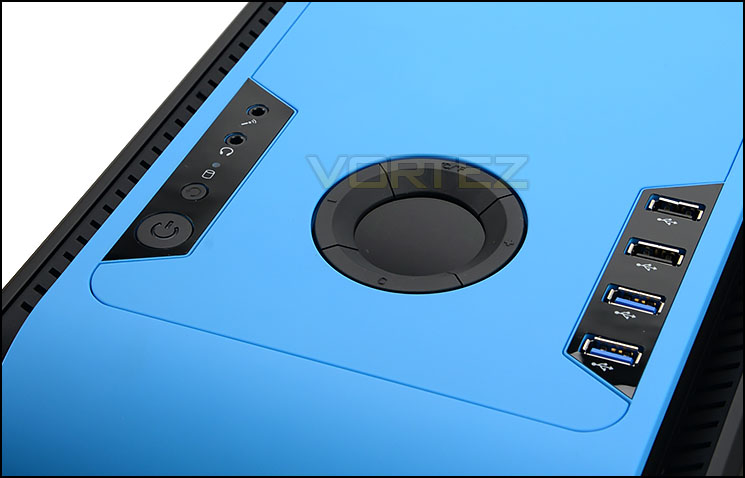
Numerous ports and buttons at the top of DS200
At the top of DS200 there is a section marked out for the front panel connectivity. This region has been equipped with an LCD fan controller. This fan controller works in conjunction with the thermal sensor – this sensor can be placed anywhere in the case and the temperature readout will display on the circular screen. The cooling fans can be turned off from this panel or have their speed adjusted to 50%, 75% or 100%. The colour of the display on this LCD can be altered too.
Aside from this there are:
• 2x USB 2.0 ports
• 2x USB 3.0 ports
• Power/Reset buttons
• Headphone/Microphone jacks
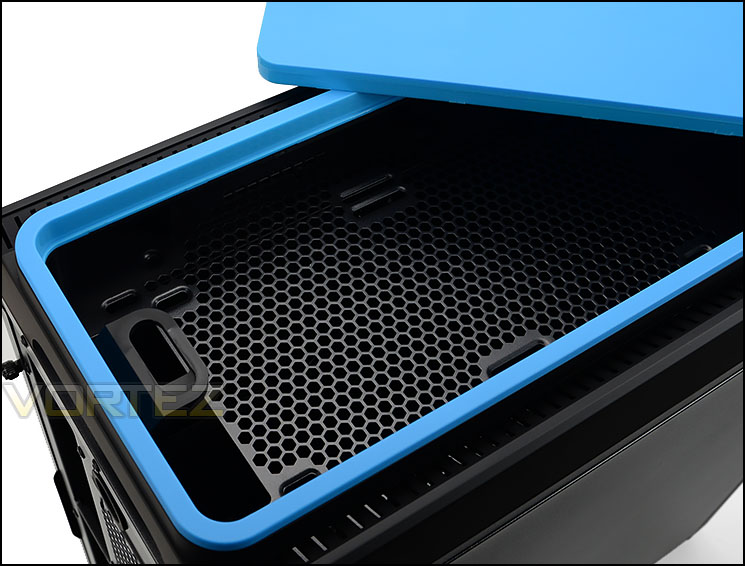
Detachable top fascia
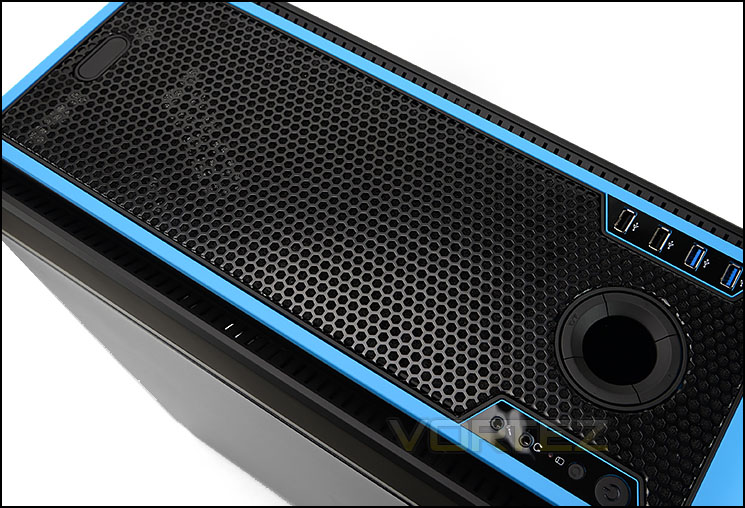
Alternative panel can be interchanged
Further back from these ports there is a detachable panel. After removing this there is a deep cavity and mounting holes for attaching 2x 120/140mm cooling fans. This should allow us support for 240/280mm radiators – we’ll investigate this further in the review.
Aerocool provide an alternative panel which can be installed at the top instead of the solid blue option. This secondary fascia is heavily perforated – offering better ventilation.
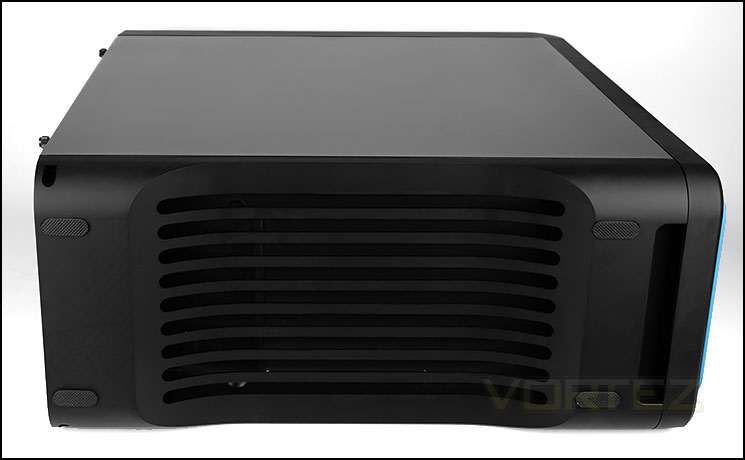
The underside of DS200
At the bottom of the case there is a section of ventilation with four rubber pads – these pads help to prevent any slipping when the case is placed on a smooth surface.


