
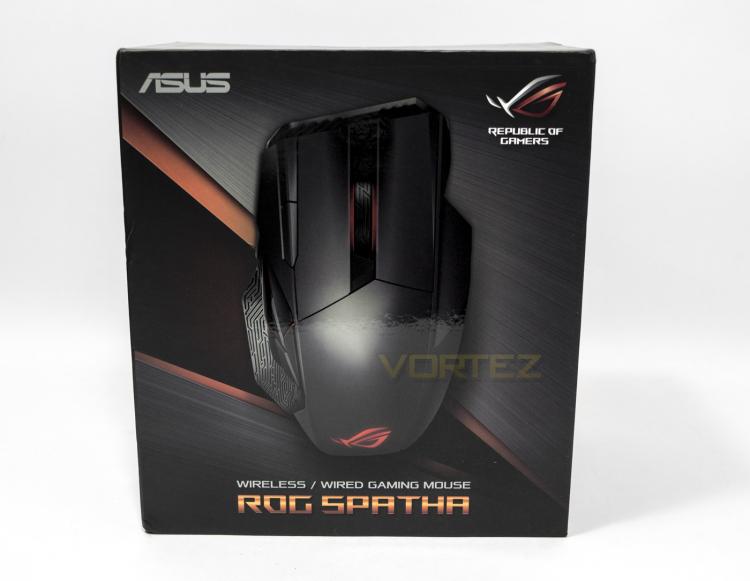
The box itself as far as mice go is pretty big and has a nice image of the product inside and is easily identifiable as a Republic of Gamers product. I think it is worth noting that ASUS have printed the packaging using Soy ink which is a nice move in corporate responsibility.
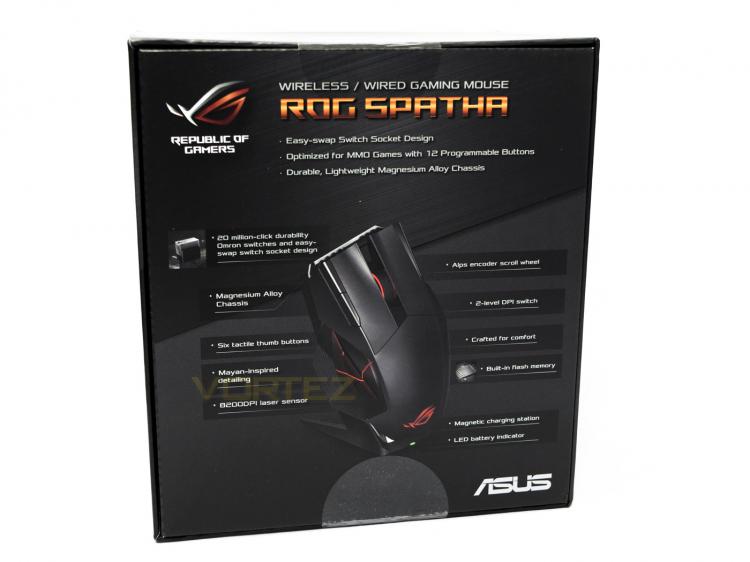
The underside of the box points out various product details including the magnetic charging station, and the 'easy-swap switch socket' design.
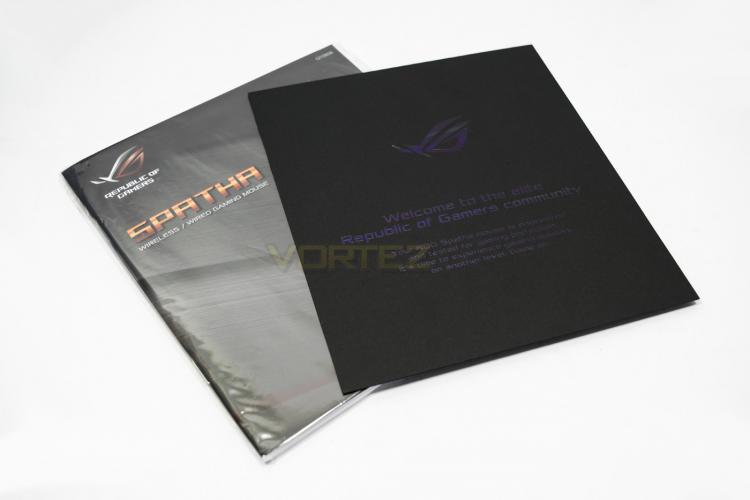
On opening the box we are greeted with a classy welcome note from ROG as well as the product manual.
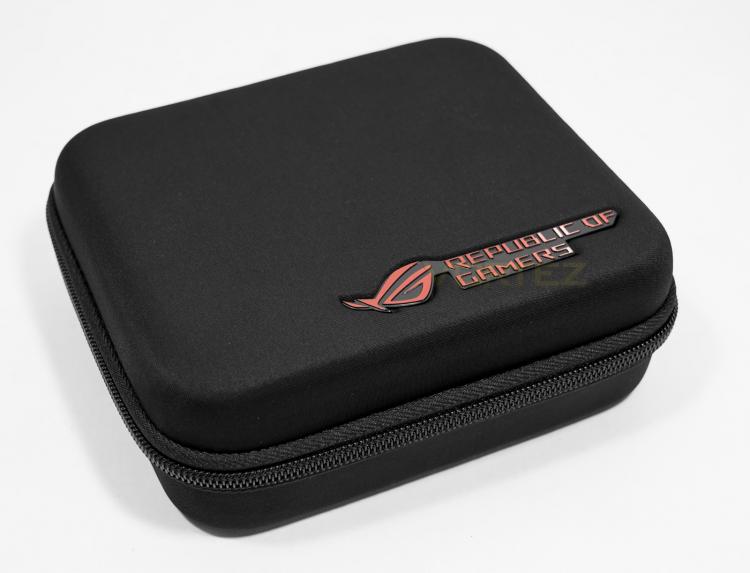
Underneath the mouse there is a large, good quality carry case that includes all the components. The detailing is attractive and features a ROG logo on top and on the zipper.
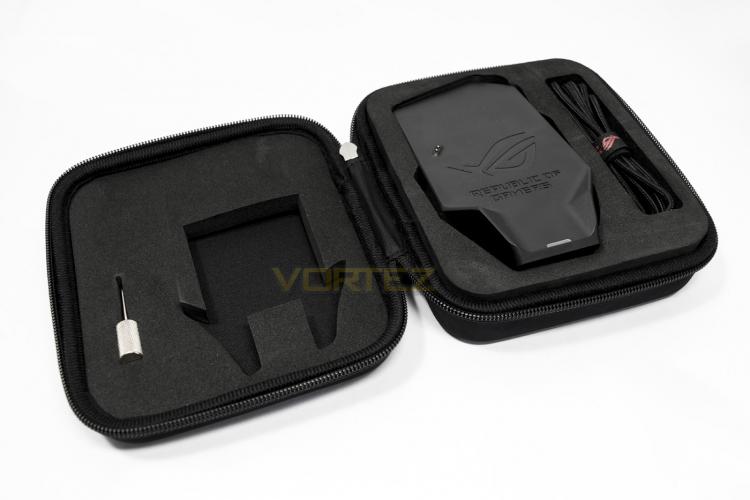
Opened up, there are large foam cut outs were there is a braided cable for 'wired mode', a thumb screw driver for removing the top shell to access the switch sockets, as well as the charging dock.
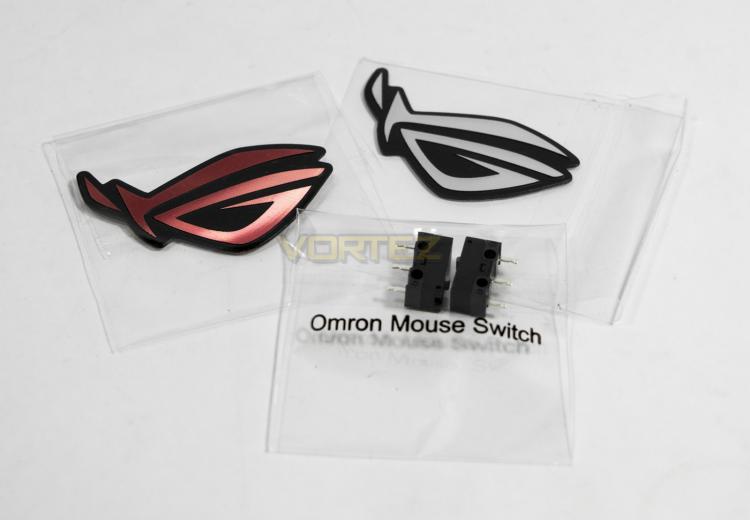
Underneath the charging dock, there are extra pieces for the dock including a USB - microUSB cable, a metal stand as well as two 3D laser cut ROG sticks and an additional 2x Omron switches.
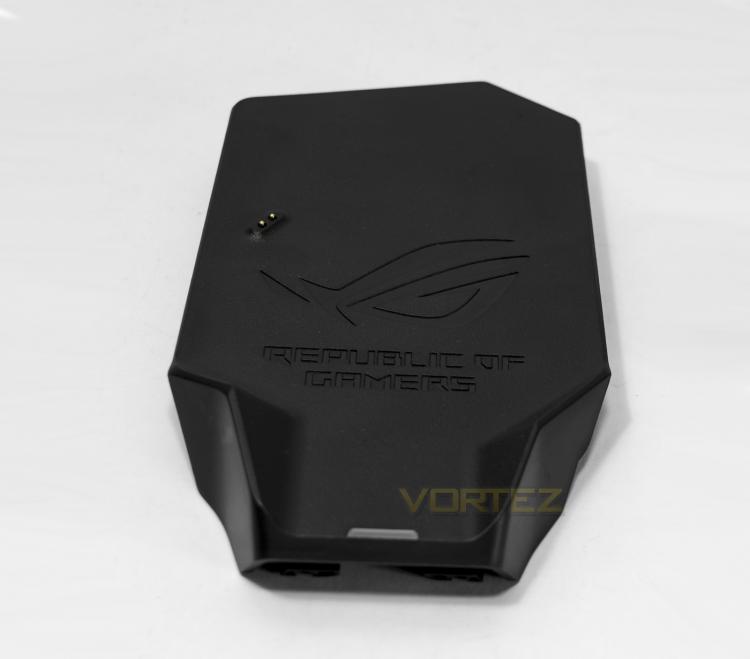
The charging dock features a ROG logo and is shaped perfectly for the mouse to fit on. There is a LED status indicator near the base, while the charging contacts for the mouse are towards the mid left.
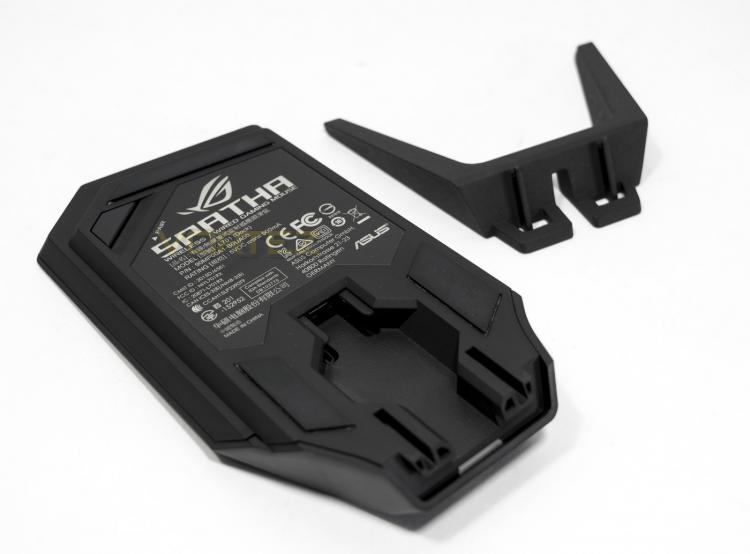
The charging dock acts also as the wireless connector (duh!) for the mouse and features a pairing button on the underside. The mouse attaches to the dock magnetically and can be orientated horizontally, or vertically by using the included metal stand.
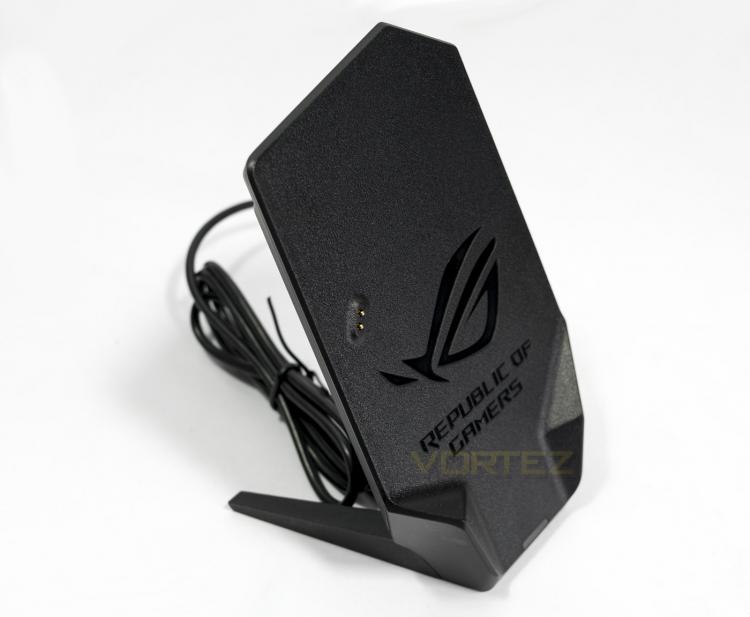
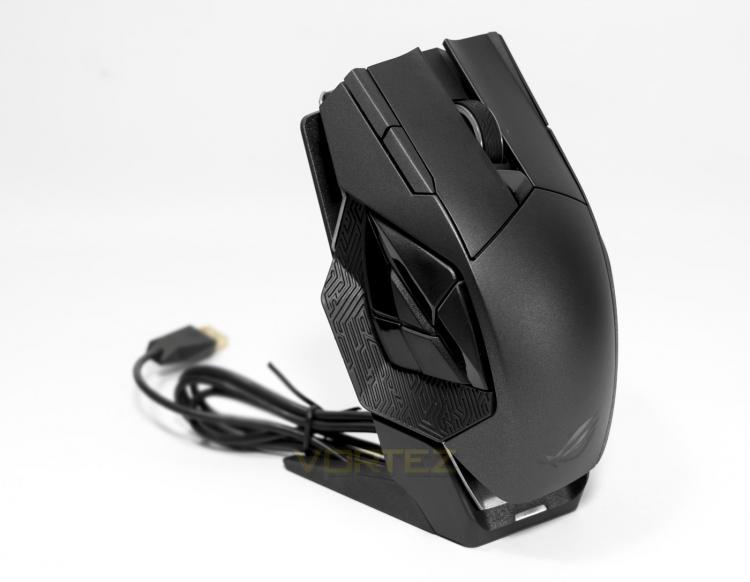
The charging dock is a neat and attractive way of storing/charging your mouse, and the fact that ASUS include a separate braided cable for wired use is a great idea, meaning there is no cable swapping required should you wish to take advantage of that 0.5ms refresh rate.


