
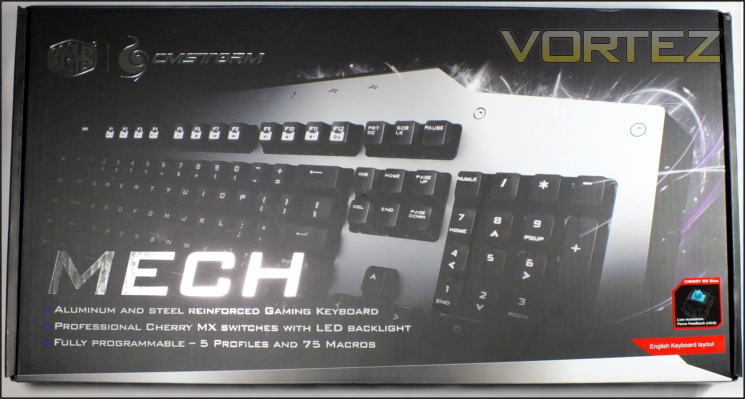
CM Storm certainly want to make a splash with their new AL-series, and have begun with eye-catching packaging which will have consistency across the range. Matte black, silver and purple seem to hit something primal in some consumers, and so it’s bound to figuratively leap off the shelves.
Interestingly, CM Storm have chosen to highlight the top-right of the keyboard rather than its entirety. Although something of a teaser, it may also be a desire to not scare potential users away due to its unconventional footprint. There are no surprises when it comes to the headline features - Aluminium and steel reinforced backplate, Cherry MX switches and fully programmable macro keys with profiles will always and forever be important to any potential owner.
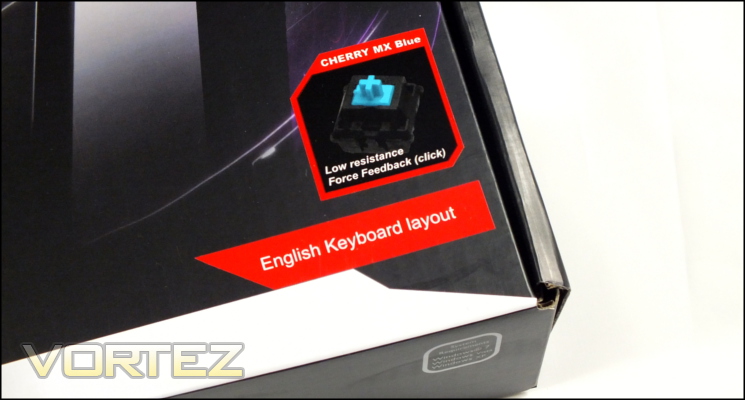
We also appreciate the layout and switch variant being prominent. Not all manufactures will state the regional layout so clearly, and whilst some also incorporate it into the keyboard image on the front in this case we could still tell at a glance that it was the correct UK layout. At present CM Storm haven’t revealed which switch types would be available in specific regions but we expect that Cherry MX Blues and Reds will be making their way to these shores.
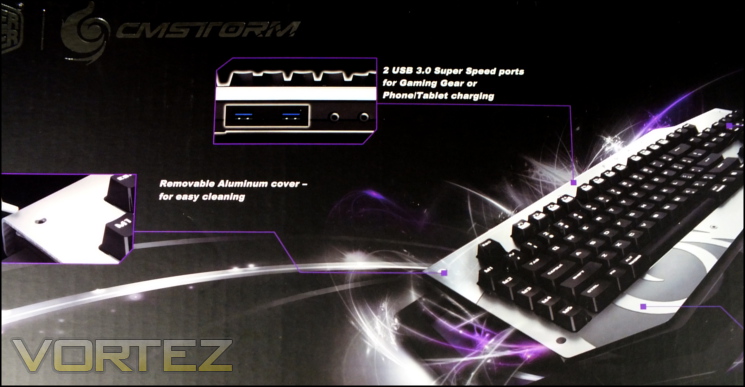
Moving to the rear, we have what is perhaps our first surprise - CM Storm haven’t included a full picture of their keyboard, preferring an angled view with stylised graphic. Not a problem for anyone who had spotted the keyboard online or on display, it nonetheless doesn’t quite inform those who are seeing it for the first time when browsing a store shelf.
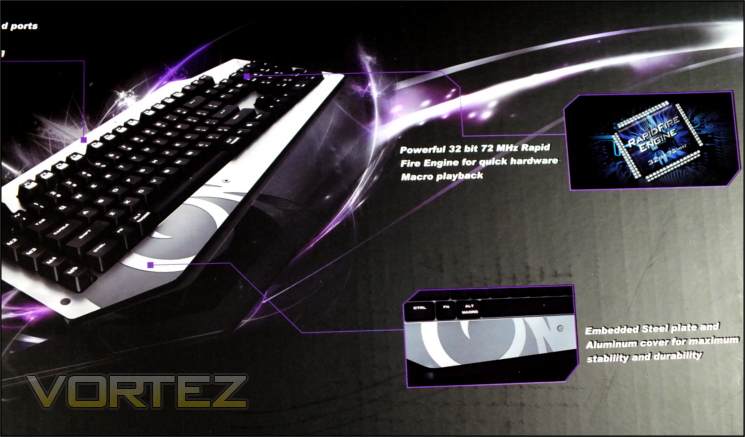
With that exception, the packaging rear provides a great shot of some of the key features including removable aluminium faceplate, USB 3.0 ports and onboard macro engine. The features list is a little more comprehensive, but still doesn’t quite encompass the whole of the keyboards capabilities. Given the amount of room on the rear they could easily add a couple more, for instance the on-board USB soundcard or micro-USB charging port of which there is no mention.
Very much absent are the system requirements and more complex technical specifications for the keyboard. For the latter you’ll need to go to the CM Storm website, however only a Windows OS is a listed requirement. Given the power needs of backlit mechanical keyboards, headsets and any other peripherals you choose to hook up to the keyboard will require a USB 3.0 port with robust power delivery.
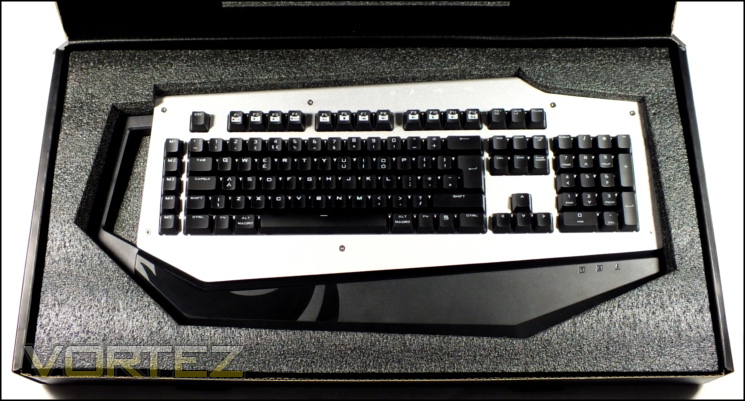
Ahh. So nice to see a welcoming unboxing experience for a premium peripheral. CM Storm ship the MECH in a cloth bag and the packaging is lined with at minimum 1.5cm thick cellulose foam, ensuring as much as possible that the keyboard is well protected in transit. Residing underneath the keyboard is a quick-start guide, USB 3.0 A-B cable, keycap remover and hex-key. You have therefore got all you need from the bundle, and for those who want to be mobile with the MECH they’ll find that a separate USB cable will make packing considerably easier.
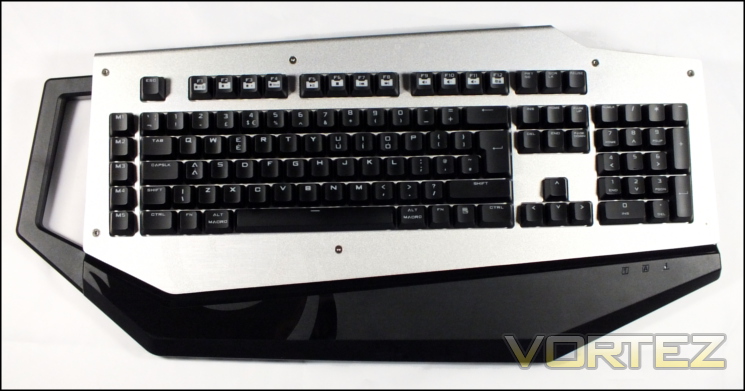
Our first view of the MECH, in all its glory. You’ll note although the keyboard layout is very standard, the chassis itself differs significantly from the standard rectangular design seen on past products including CM Storm mechanical keyboards. Here the plastic chassis includes an oversized handle, no doubt useful considering the keyboard’s 1.6kg net weight, and aluminium faceplate. A plastic section serves as makeshift wrist-wrest on the same plane as the faceplate. Etched into the aluminium and continued as a glossy pattern on the plastic frame is the stylised CM Storm swirling flame logo.
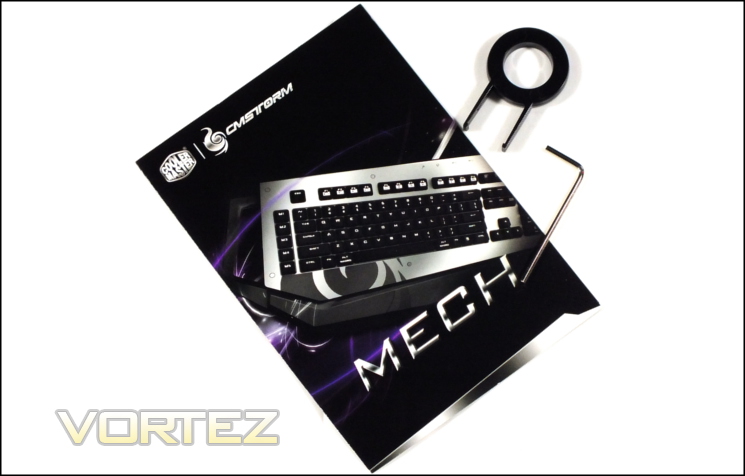
As bundles go, the MECH is fairly comprehensive and welcoming. CM Storm have also ensured that it’s well packed and will be undamaged by any but the most violent of impacts in shipping. Those who find it relevant will be pleased to see that the majority of the materials used are recyclable and those who prefer to slide it away for safe keeping will find it reasonably compact and long lasting. The included instruction sets go a little further than many quick-start guides that often amount to little more than telling you to plug it in, and so it's a good idea to become familiar with their contents before diving in to the more advanced on-board functionality.


