
The learning curve to customising your own lighting and macros seems more daunting than it is. Cooler Master have created the Quick Fire XTi to be driverless, so all functions are done on board. This includes customising the lighting and recording macros.
The FN key is king here, with individual controls over the blue and red brightness settings which in turn adjusts the hue based on the strength of each when combined. Then there is a mode function tied to the F3 key. F4 is used for Windows Lock and like the other Lock keys, customisation of this key is limited due to having a native on/off reserved for its primary function. F5-8 are reserved for key repeat speed, 1x for normal rate or for the super fast typists out there it goes all the way to 8x normal speed. To record macros, you can press the macro record key followed by the key you wish to bind the macro to. Then press the sequence you want, when finished you can set whether you want to use the 'one time', 'toggle' or loop modes, then to exit FN+ESC. The downside to recording macros like this is that there is no way of editing them and they playback at the speed which they were recorded at. Though with a bit of practice, this won't be a major issue. Below is the video manual for the Quick Fire XTi that shows clearly the functions of the keyboard.
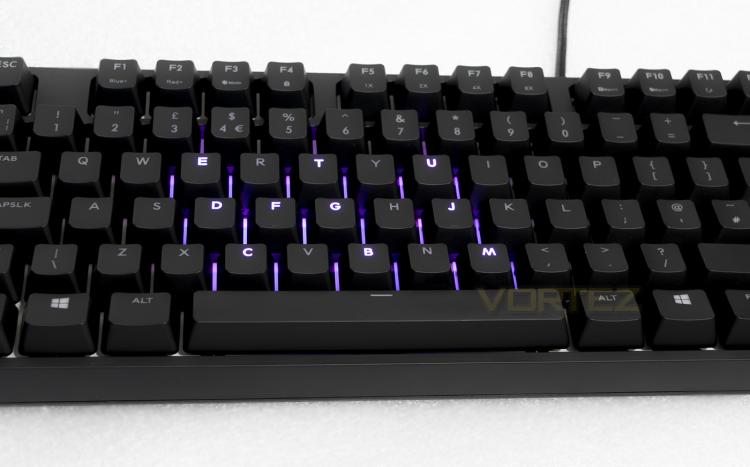
The Cooler Master Quick Fire XTi features customisable per key back lighting using red/blue LEDs, while seemingly limited compared to a full RGB keyboard, it does give a distinct character.
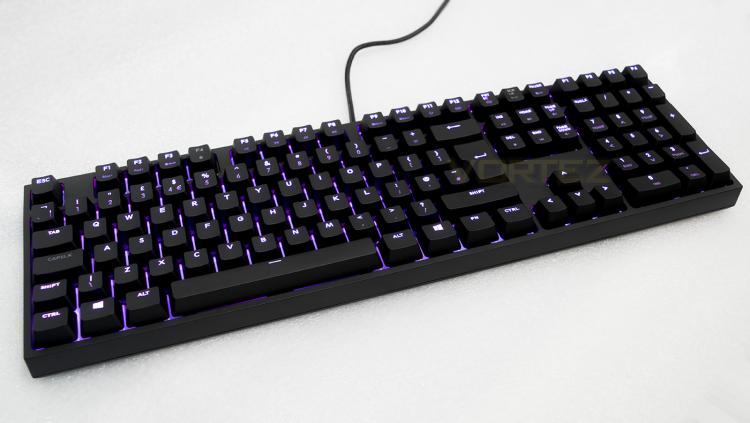
Fully lit you can choose from off, blue, red, and anything in between.
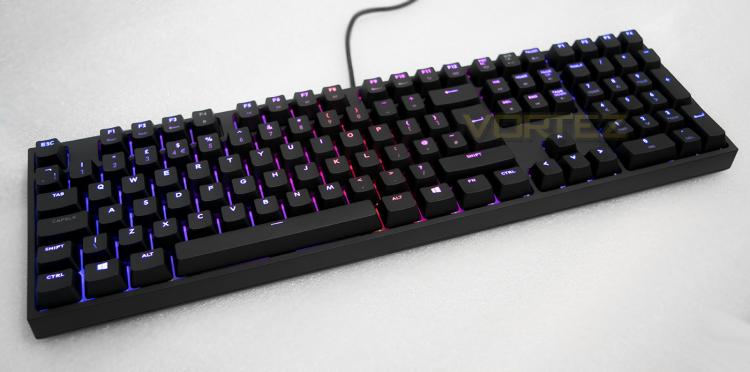
The spectrum wave mode shows off the red/blue spectrum quite nicely
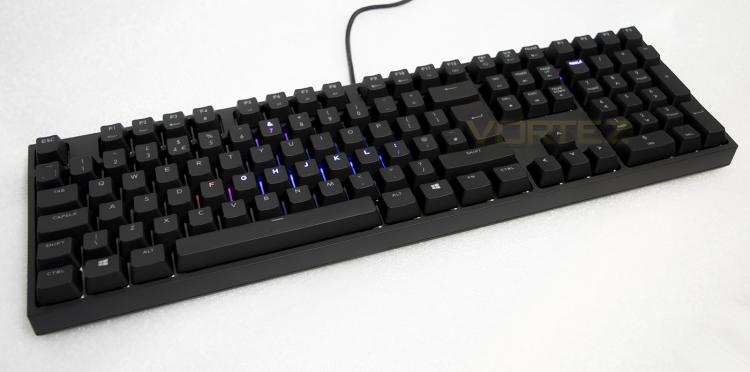
Snake mode, use the cursor keys to play!
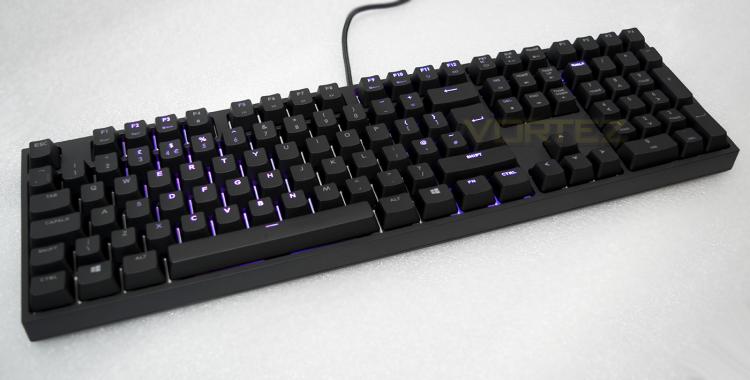
Not so much circular ripple, but more a wave ripple effect.
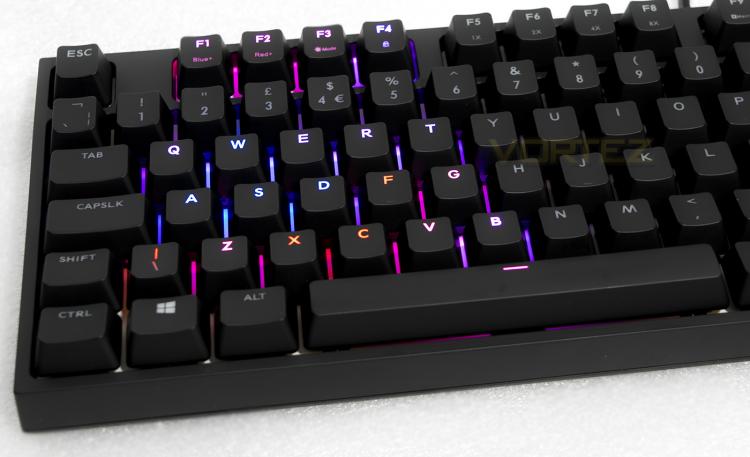
Customise lighting to your own controls.


