
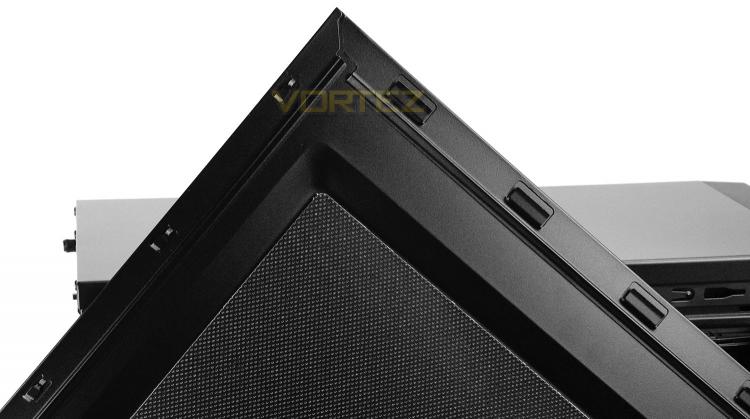
With the silent edition of 100R, both side panels are furnished with noise reduction material on the inside to help keep the noise levels down. Both side panels also have a slight convex to allow for extra space within the case.
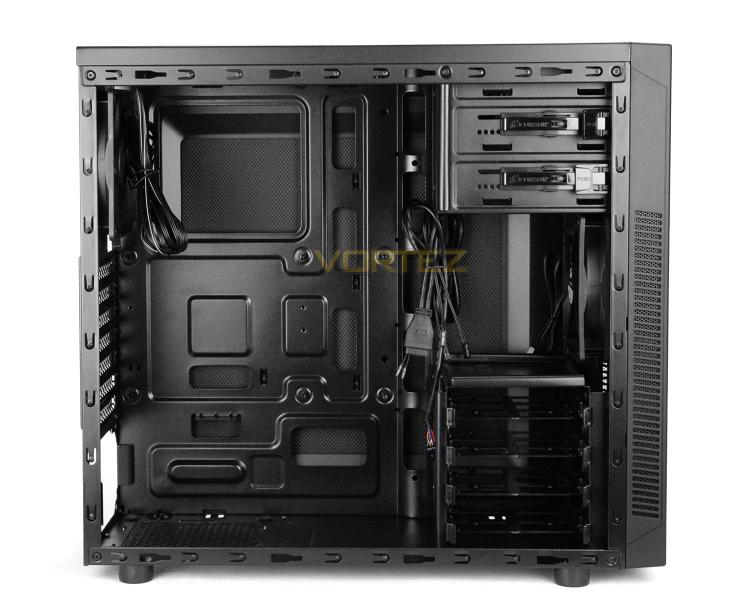
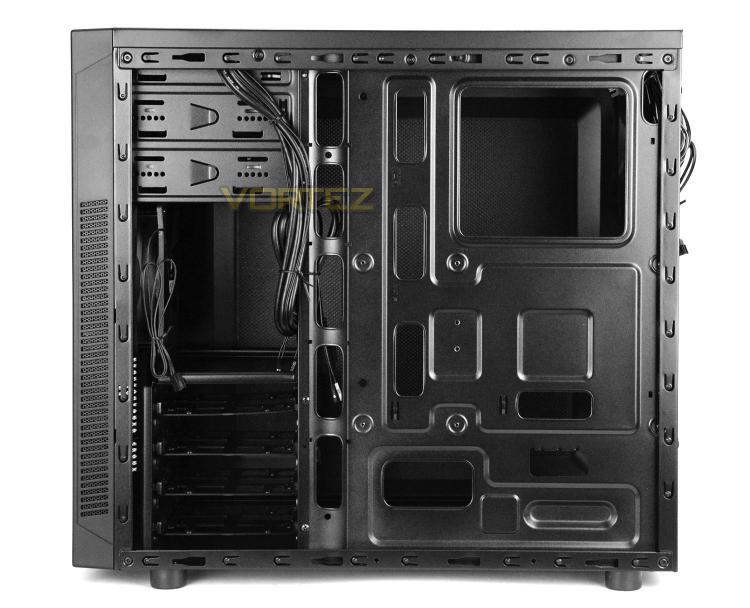
Removing both side panels we can inspect the internal design of 100R. All of the internals are powder coated black and there is sufficient space to install a full-sized ATX motherboard inside. Corsair has integrated various tool-free features to help with the installation of hardware and there are cut-outs on the motherboard tray for cable management – though there are no rubber grommets provided due to the price-point.
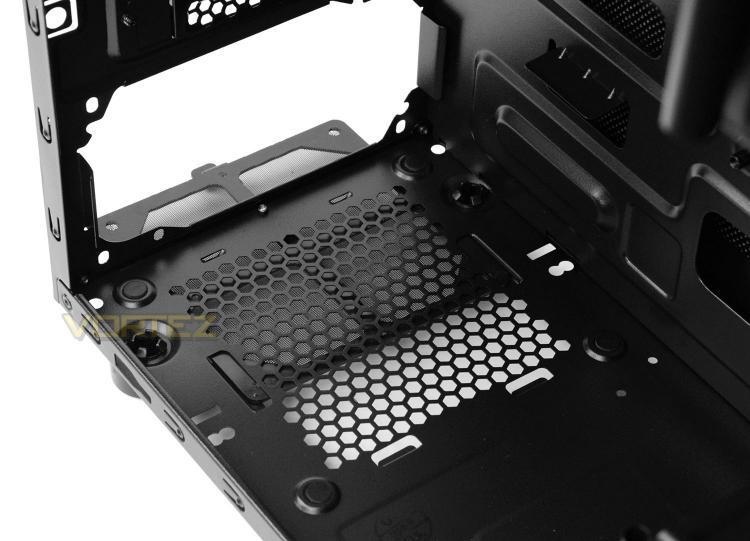
As we move in for a closer look at the inside of 100R we first of all arrive at the PSU area. Corsair has given this location some rubber padding for the PSU to sit on and has also supplied a detachable dust filter which can be removed while the case is stood up.
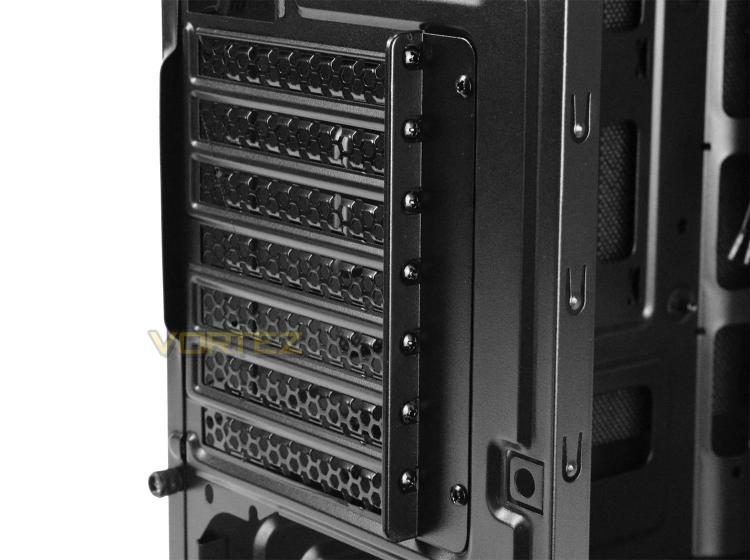
There are a total of seven PCI expansion slot covers on 100R. All have ventilation and use standard screws to detach. These screws are accessed from the outside of the case – in order to detach a cover its also necessary to remove the supporting plate.
On the next page we’ll continue looking at the inside.


