
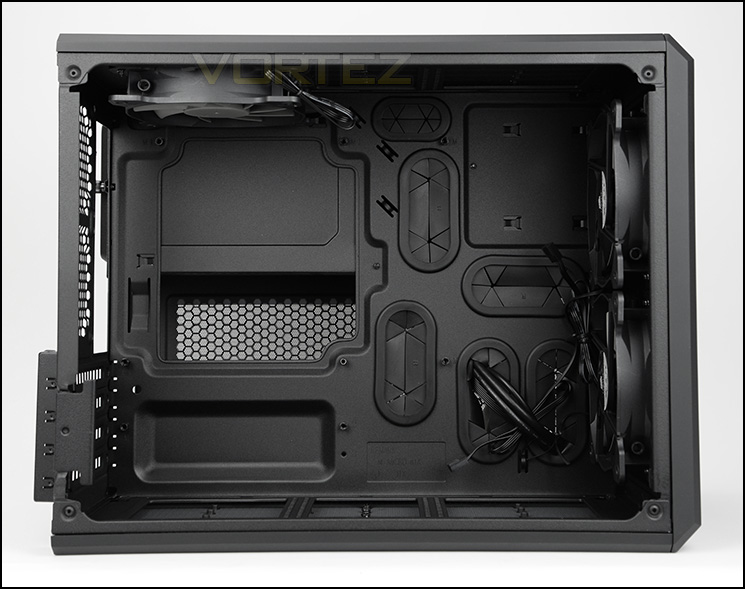
Micro ATX and Mini-ITX form factor support
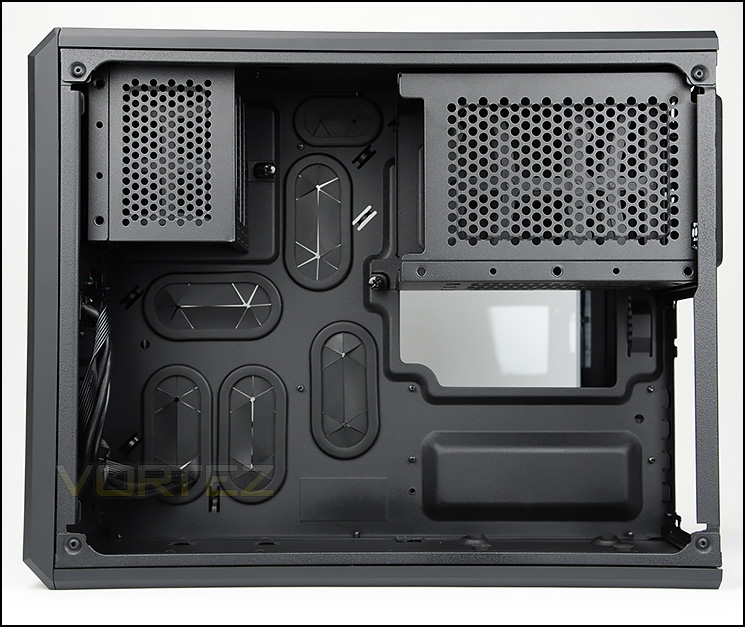
Secondary chamber with HDD storage and PSU support
Both side panels on AIR 240 are fixed into place with two thumbscrews. After removing these panels we can finally take a look inside the chassis. AIR 240 supports Micro ATX and Mini-ITX form factors and has two chambers – the prominent side accommodates the motherboard only, whilst the reverse side supports the HDD storage and power supply. Corsair has furnished both sides with tool-free mechanisms and rubber grommets for cable management.
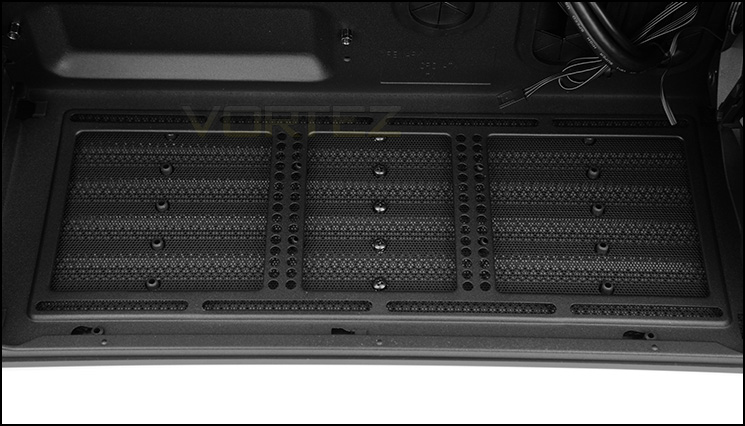
Cooling fan support at the bottom of the case
At the bottom of AIR 240 there is allocation for mounting two 120mm cooling fans or a 240mm radiator (if you are using Mini-ITX only).
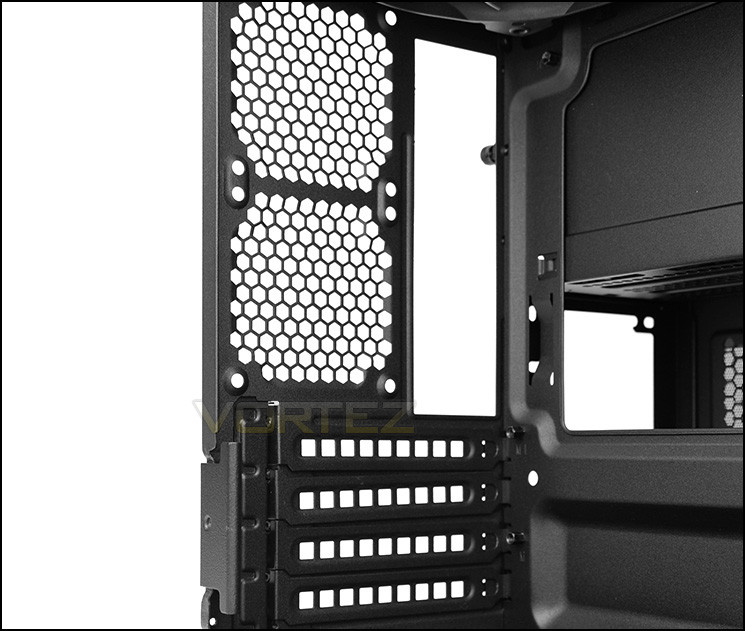
Multi-GPU support
AIR 240 comes with four PCI express covers which all have ventilation and Corsair has opted to engineer a tool-free clip to securely fix the covers into place rather than using thumbscrews.
Above this there are two optional spots for 80mm cooling fans.
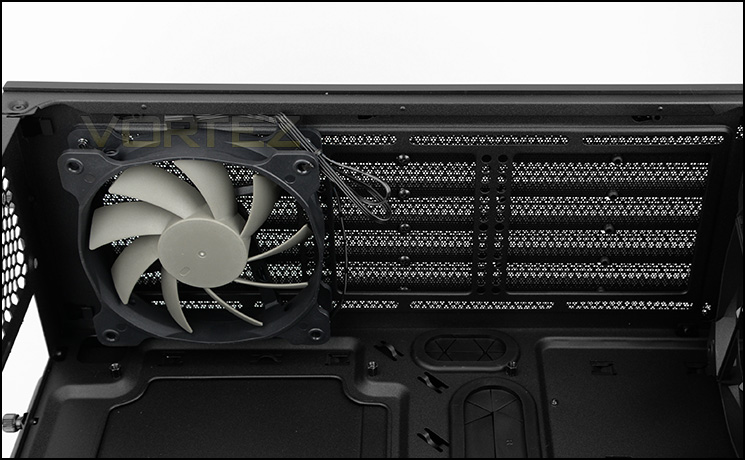
Pre-installed AF120L at the top
Up at the top of the chassis there is space for mounting two 120mm cooling fans or a 240mm radiator. Corsair include an AF120L fan which is configured to push air out of the case.
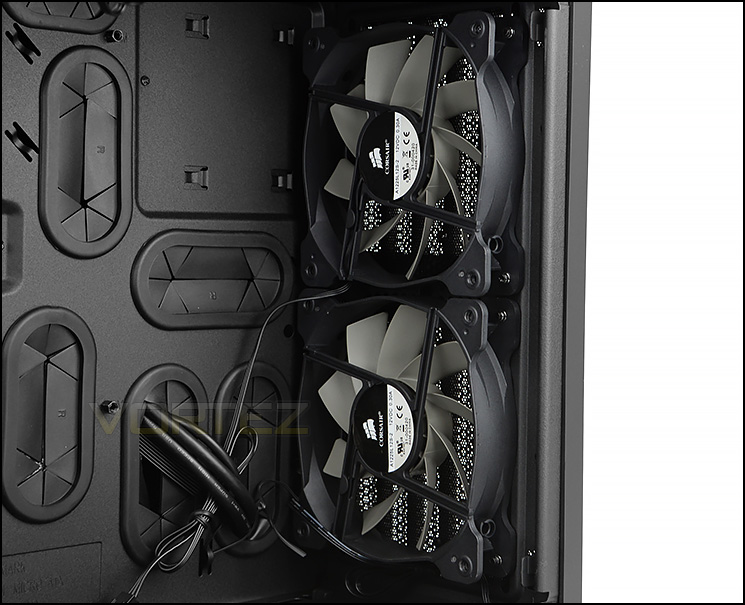
Dual AF120L cooling fans at the front
Placed at the front of the chassis there are two AF120L cooling fans which are configured to be intakes, bringing cool air into AIR 240. Behind the front panel there is a detachable dust filter which can be washed/cleaned. Since we can install two 120mm fans at the front there is support for a 240mm radiator.


