
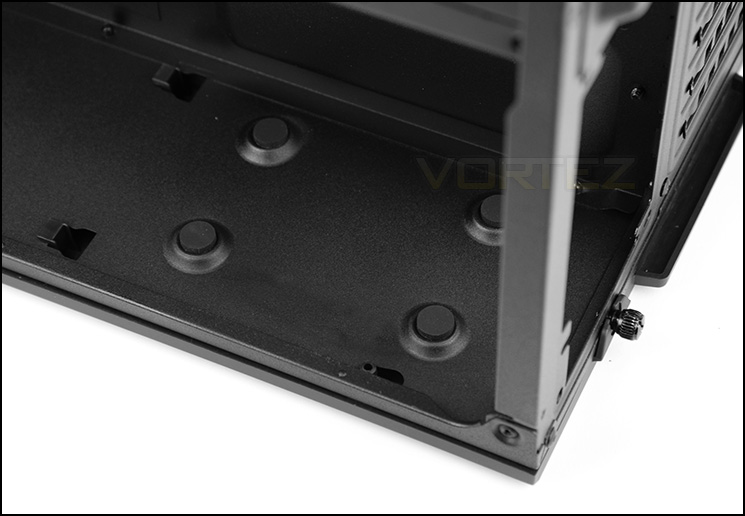
The PSU is mounted behind the motherboard tray
In the secondary chamber, behind the motherboard tray there is space to mount a PSU with a maximum clearance of 225mm. Corsair has included four rubber pads for anti-vibration and the side panel has a detachable dust filter since the fan on the PSU will sit facing away from the motherboard tray.
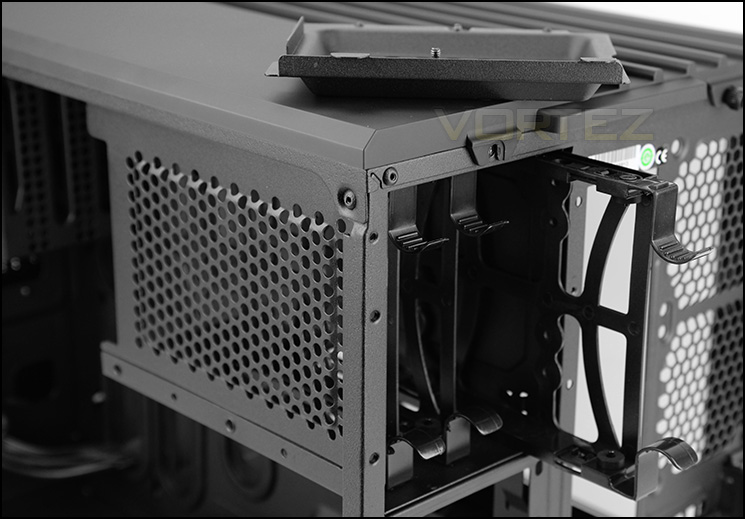
Primary storage for 2.5” and 3.5” drives
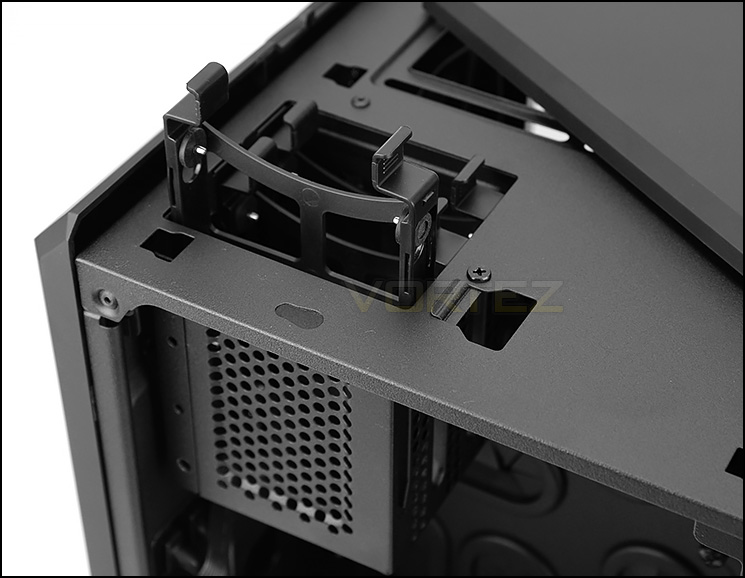
Support for 2.5” drives
Storage is all taken care of in this secondary chamber too. The primary cage sits towards the back of the chassis and is completely detachable if desired. To gain access to this cage, the cover facing the rear has to be removed. After removing we can use three trays which can host 2.5” and 3.5” drives.
Towards the front of the case there is another cage, this one is smaller but again can be completely detached. To gain access to this particular cage the top panel must be detached and after doing this we can make use of three trays for installing smaller, 2.5” drive such as an SSD.
On the next page we’ll be installed our Micro ATX test system inside AIR 240.


