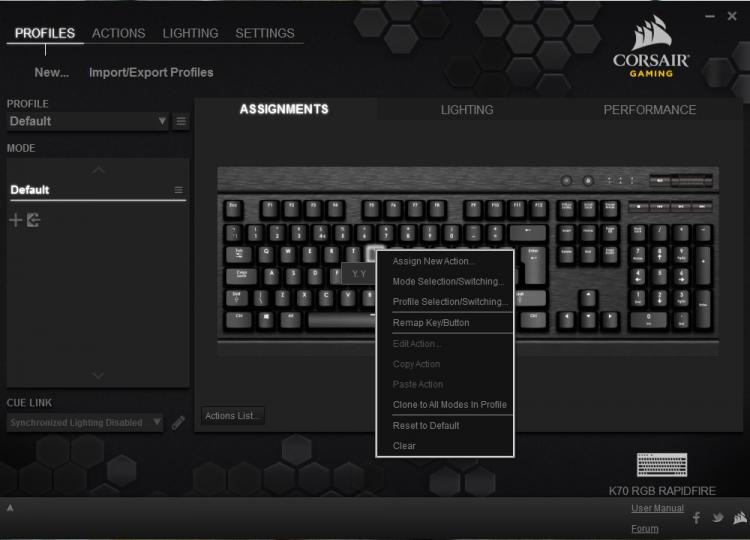
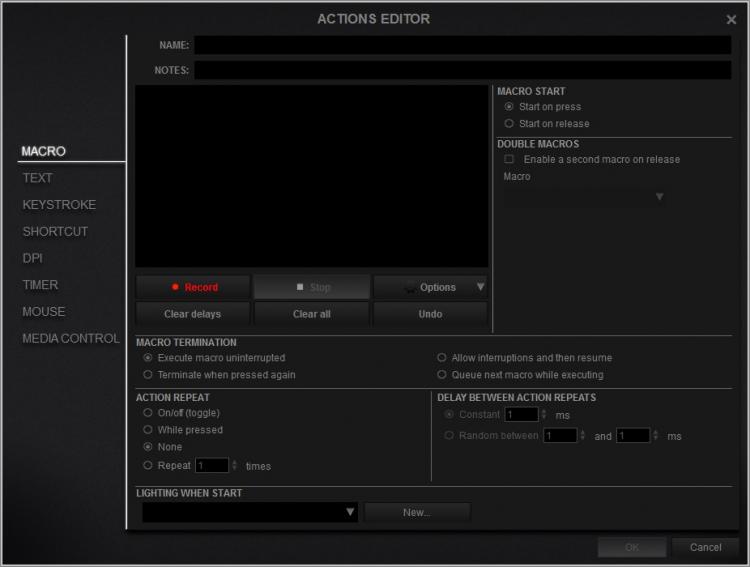
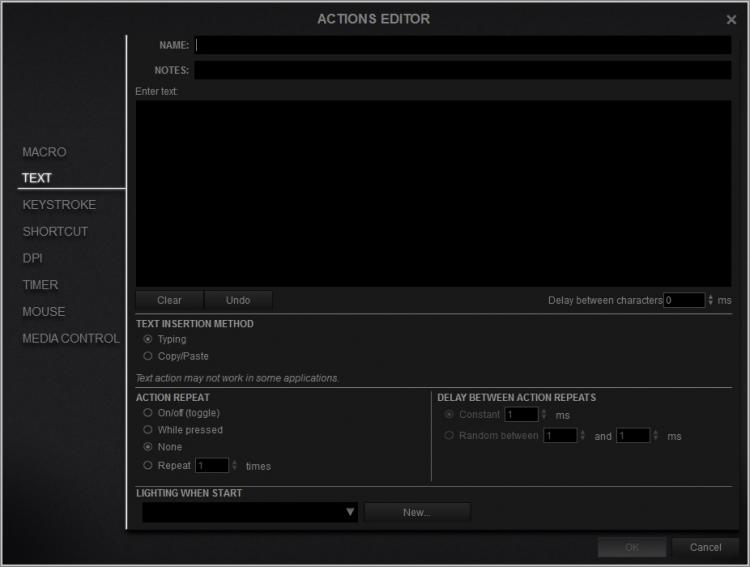
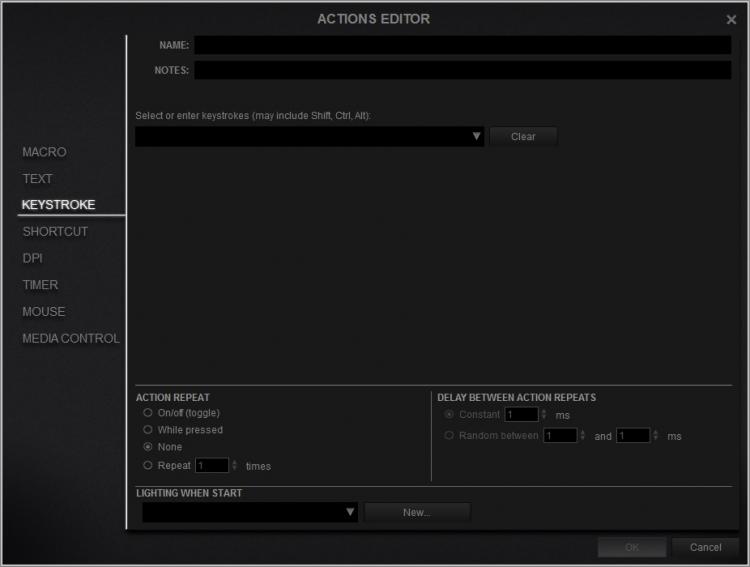
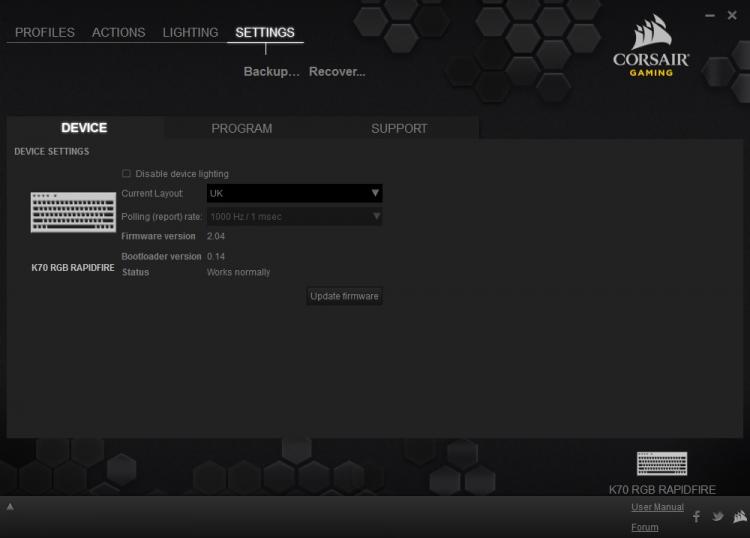
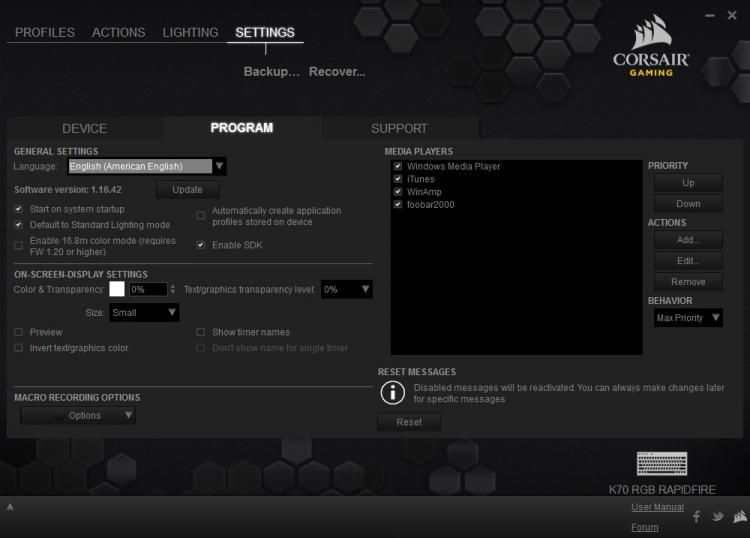
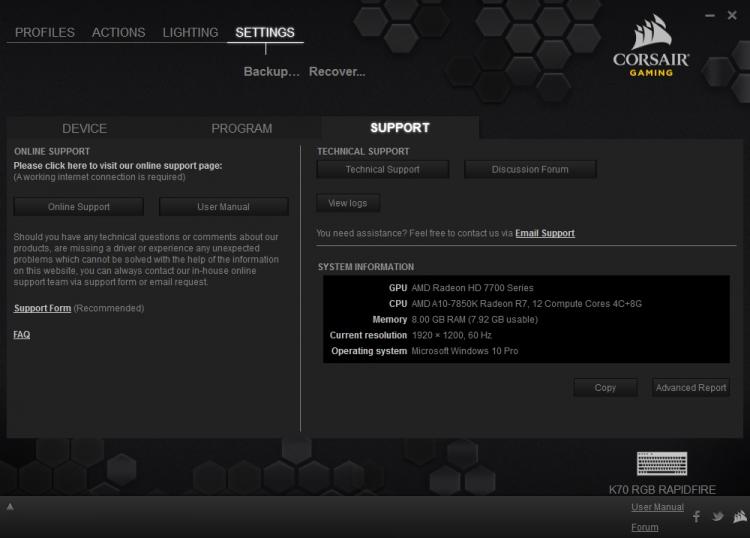
The CUE GUI has received its fair share of criticisms, mostly about its complex nature and steel learning curve. This is also part of what makes the CUE so good. It has advanced per key programmability allowing you to assign various saved or recorded keystrokes in the action editor, including macros, keystrokes and shortcuts. To mirror this, there is also an advanced lighting editor for complete customisation. The saved profiles can then be uploaded and shared within the Corsair community. The most obvious rival to compare this software to would be Razer's 'Synapse' software, though there is no need to sign up with Corsair, something that is a pain with Razer Synapse. This is because many Corsair products, including the K70 RGB RAPIDFIRE, features onboard memory that allows you to save your profiles to the item itself rather than to a cloud storage, allowing you to store all your settings on the go.
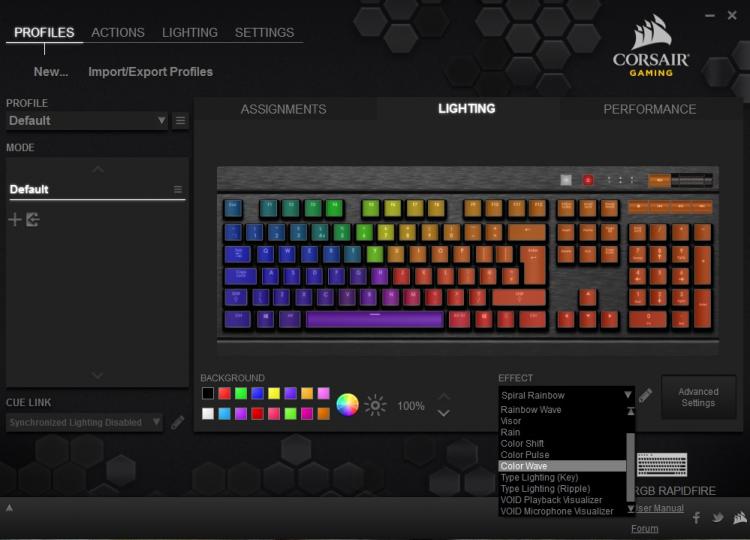
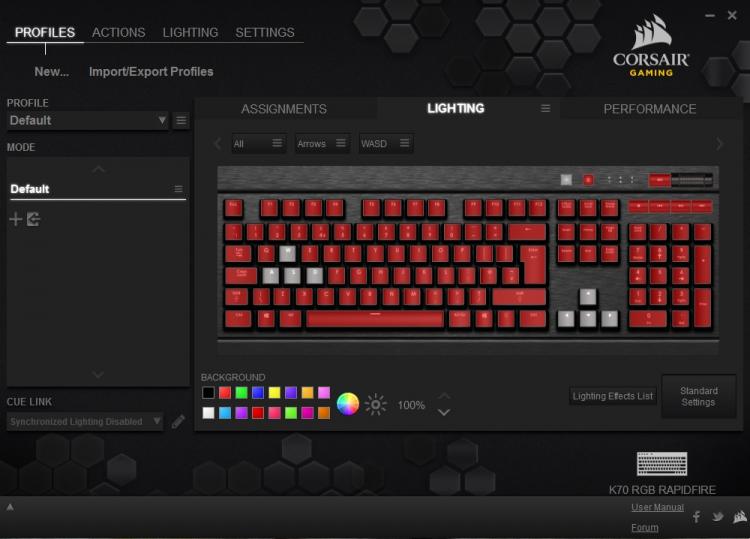
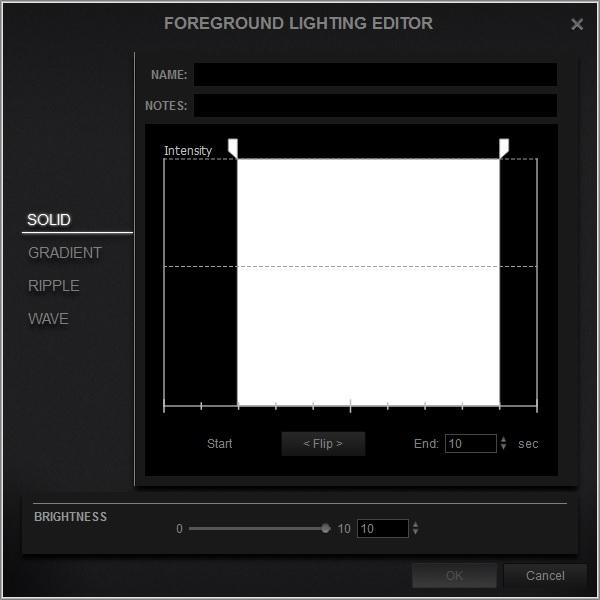

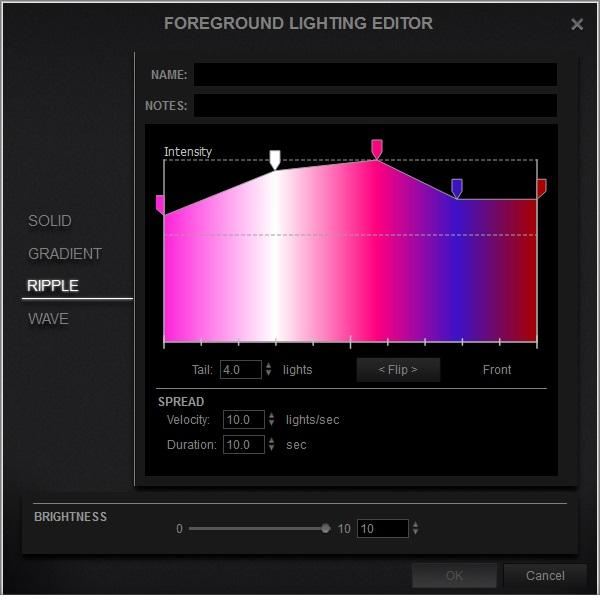
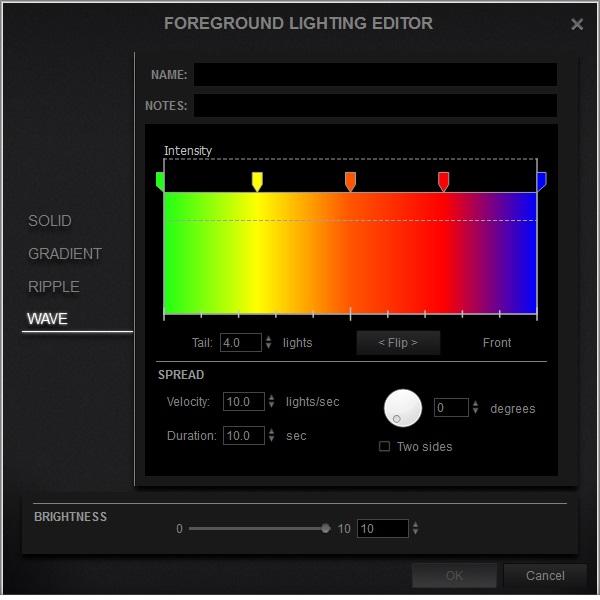
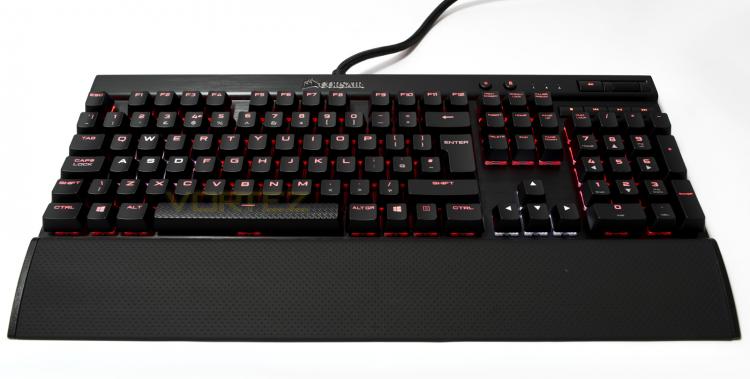
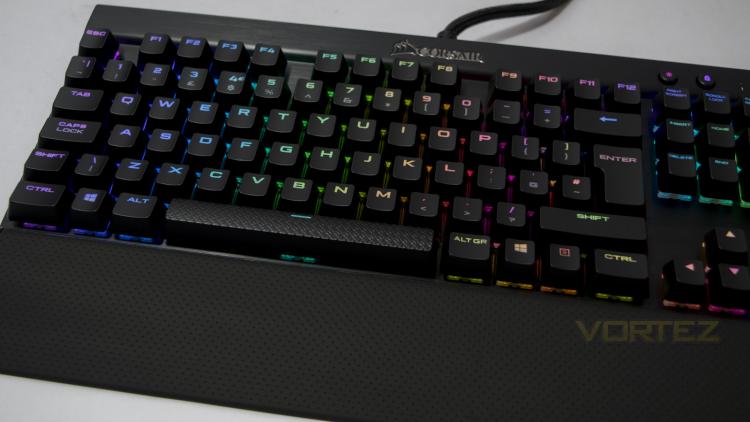
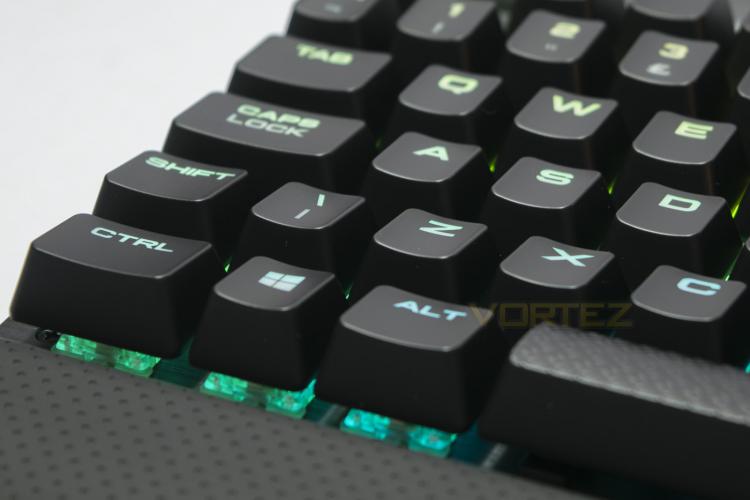
You can find and download from many lighting profiles within the Corsair community or create your own to use and share as you please. Alternatively you can choose the simple route and use one of the fluid and impressive preset effects. The lighting effects are smooth, colourful and vibrant. As observed recently with the ROCCAT RYOS MK FX, the K70 RGB RAPIDFIRE renders colours staggeringly well. White looks white, turquoise looks turquoise and yellow looks yellow. Though the colour doesn't quite reach the vibrancy of the STRAFE RGB, this is because the switches are mounted on brushed aluminium, not plastic with a white background and that makes a difference. Overall whether it is various animated effects, or a simple customisation, the choice is yours.