
Setup, Design & Observations
The K70 requires two USB ports, one for the passthrough, the other to power the keyboard. It will function without installing the CUE software, but to get the full benefits, installing the CUE software is advised.
The K70 weighs in at a modest 1.2Kg and feels high quality. The keycaps feel great too, and if you use the provided extra keycaps, you get a much better tactile sense of positioning between the WASD and the space bar. I preferred to using the K70 RGB RAPIDFIRE with the included wrist rest but as it isn't so tall, some may find it unnecessary and prefer to free up that extra desk space.
The solid feel, and beautiful aesthetic of the thick, brushed, anodized aluminium really enhances the how good this product is, the customisation, lighting and software support adding to that, really makes an impression.
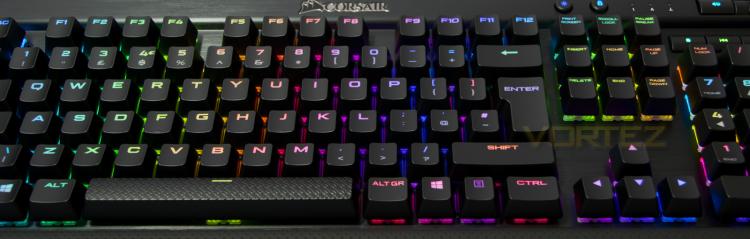
Now we move onto the party piece of the K70 RGB RAPIDFIRE, or of the RAPIDFIRE range in general. That is the latest switch technology from CHERRY, dubbed MX Speed. At first, when you type, they feel noticeably different from other mechanical switches. Though retaining a familiar linear element to MX Red the lower actuation point (1.2mm vs 2mm) literally makes them feel and respond faster.
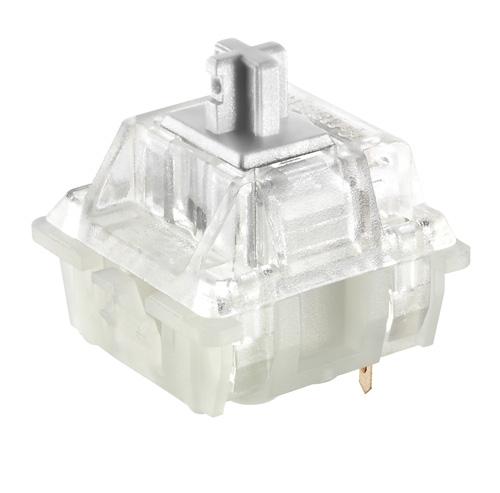
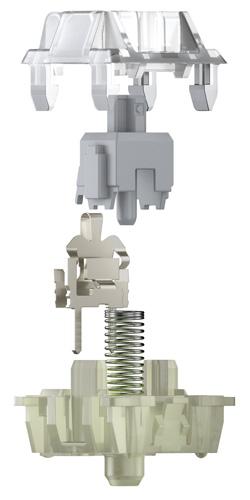
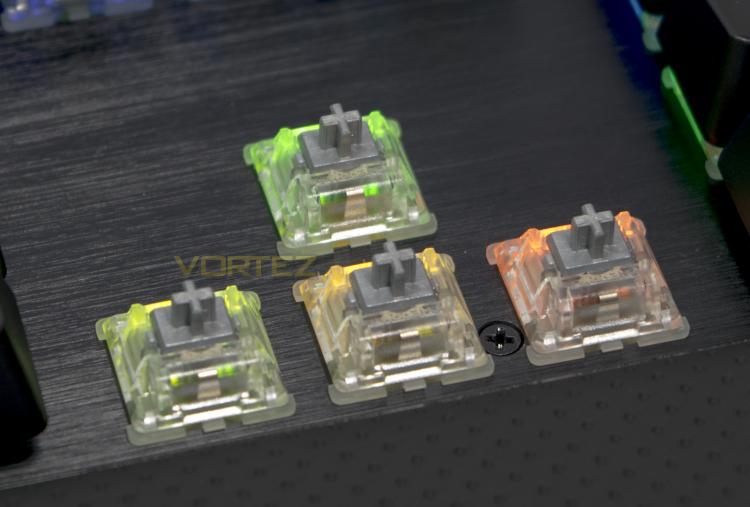
The MX Speed switches are coloured silver (quick silver?) and are made specifically for high precision, short reaction times and high switching frequencies (Spammable). Having an actuation point of 1.2mm, they are 40% faster than standard CHERRY MX switches. This responsiveness in game actually shows within quick movements and split second calls. Fans of CS:GO will love the precision the MX Speed switches provide. If you are a fast typist, then you too will grow to love the MX Speed switches. I guess the only criticism could be that they are not silent, but only in the same way that most mechanical switches have that 'clak' sound while typing (bar the MX Silent), so it's not a big deal.


