
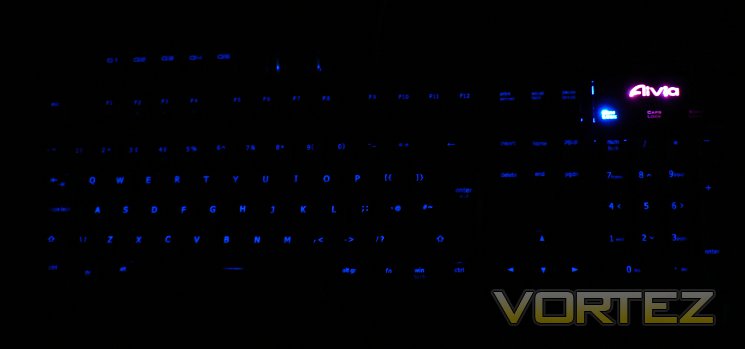
Keyboard backlighting, minimal brightness
As is becoming increasingly common with mechanical gaming keyboards, the Osmium offers full keyboard backlighting. In the case of the Osmium, this backlighting is provided by an individual blue LED for each key including NUMPAD and G-keys. As you might expect this won't come cheap in terms of power requirements, so ensure that your USB bus has sufficient power to do the job.
LED brightness is controlled via a wheel at the top of the keyboard, and can be completely disabled entirely by pressing down once. At low levels the lighting is sufficient for a gentle glow on each keycap letter/number; higher levels illuminate the keycap and backplate brightly - great if you want to show off your keyboard but has the potential to introduce glare. In our view the subtle lighting is an excellent option which makes up for the lack of clustered lighting to highlight only areas of the board such as WASD keys, but this will come down to personal preference.
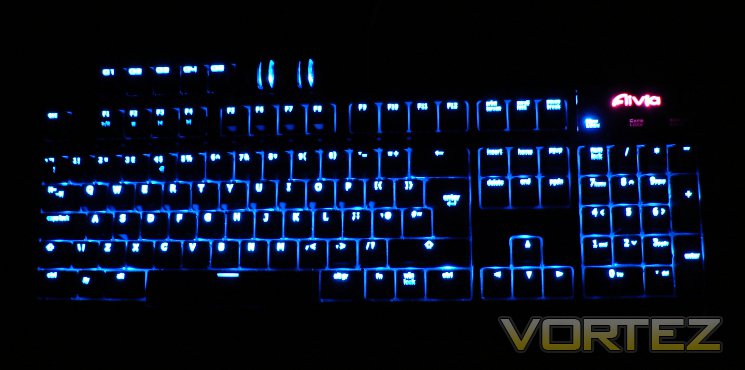
Keyboard backlighting, maximum brightness
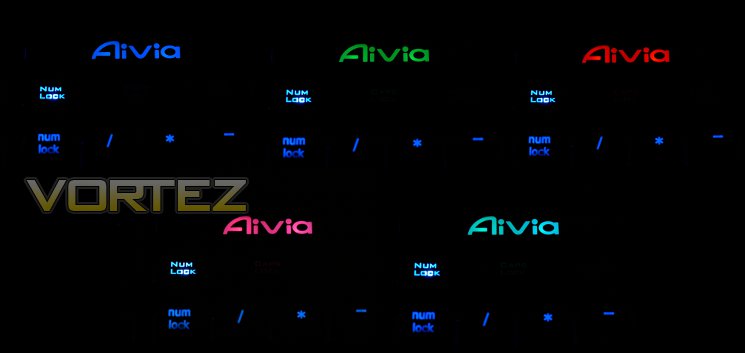
The top-right panel with Aivia icon is illuminated by separate LEDs not controlled by the scroll brightness controller. Pushing down on this panel will scroll the keyboard through each of the five profiles (or fewer, if you choose to disable them in software), each of which has a different associated colour. Software options also allow you to add a pulsing/breathing effect to these LEDs but not dim them permanently, with colours also remaining fixed.
Keyboard backlighting, minimal brightness
NUMLOCK, CAPSLOCK and SCROLL LOCK LED brightness is fixed, independent of all other controls.
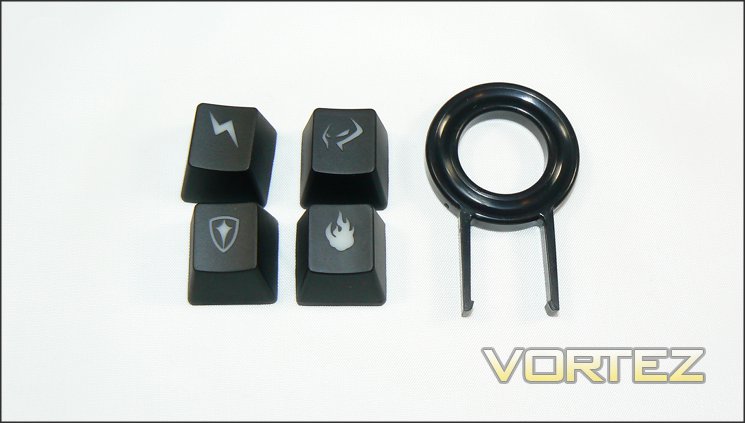
Beyond the lighting brightness, customisation options are somewhat limited. However GIGABYTE does include four additional keycaps to customise any alphanumeric or G-key position on the keyboard. Each has a different icon - flame, shield, lightning and GHOST insignia - and are a fun option for MOBA/MMO players who set up hotkeys for specific in-game skills.
In summation, the Osmium has fewer appearance customisation options than some other mechanical keyboards, but also no omissions which would be detrimental to usability. Couple that with additional connectivity options and it appears to be plain sailing ahead... lets move on to the software.


