
MSI’s Click BIOS 5 has been in use over multiple chipsets, both on AMD and Intel, and has become very familiar to use as a result. The red and black theme sits well with MSI’s overall brand.
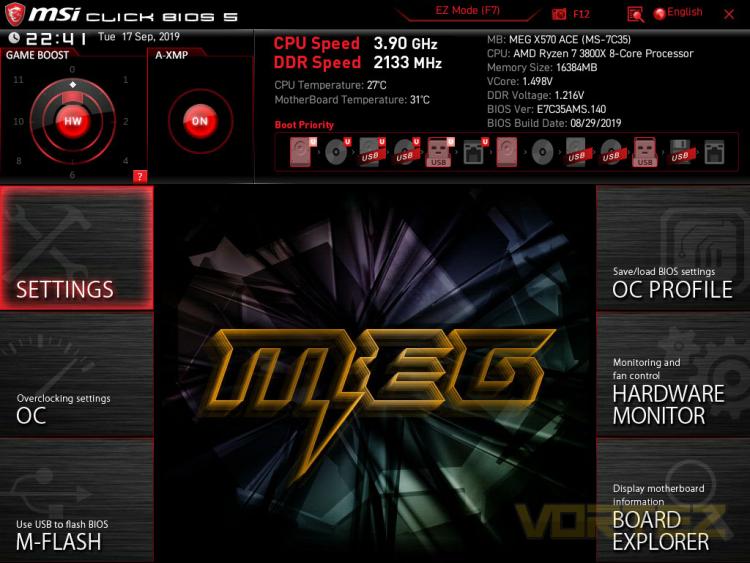
Starting off with the ‘Easy Mode’, MSI have placed the most used features here, as well as a digital version of the Game Boost dial. Here you can turn on XMP and leave, which a lot of people will do, or you can hit F7 and delve a little deeper.
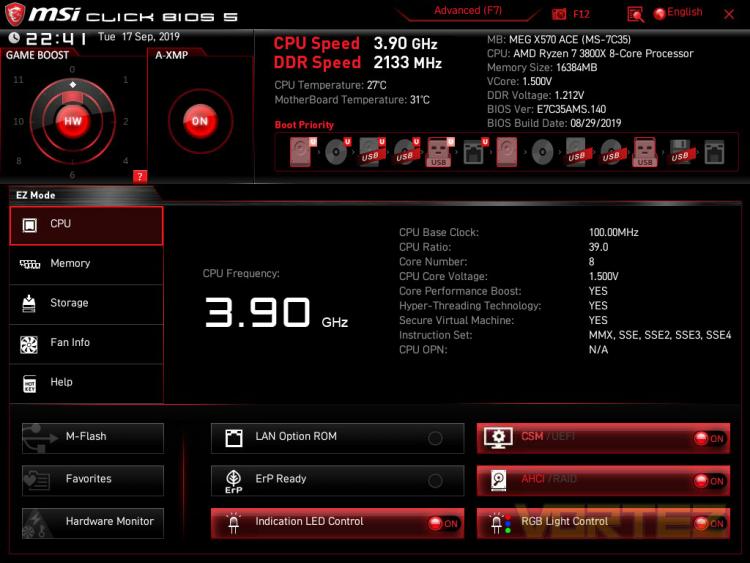
Within the Advanced Settings, there’s a few different options, all of which are clearly labelled and easy to navigate to. The top-right section is always used to display system specific details at a glance.
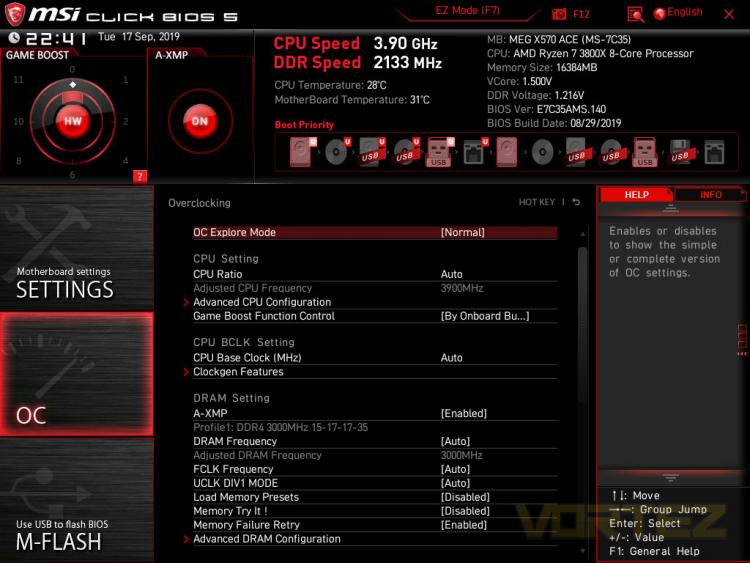
Dropping into the overclocking settings, this can go as deep as you fancy, the options are extensive and far-reaching. There’s more than enough to keep overclockers happy, but with the coming about of AMD’s Ryzen Master, we find the BIOS less useful these days.
Starting off with the ‘Easy Mode’, MSI have placed the most used features here, as well as a digital version of the Game Boost dial. Here you can turn on XMP and leave, which a lot of people will do, or you can hit F7 and delve a little deeper.
Within the Advanced Settings, there’s a few different options, all of which are clearly labelled and easy to navigate to. The top-right section is always used to display system specific details at a glance.
Dropping into the overclocking settings, this can go as deep as you fancy, the options are extensive and far-reaching. There’s more than enough to keep overclockers happy, but with the coming about of AMD’s Ryzen Master, we find the BIOS less useful these days.


