
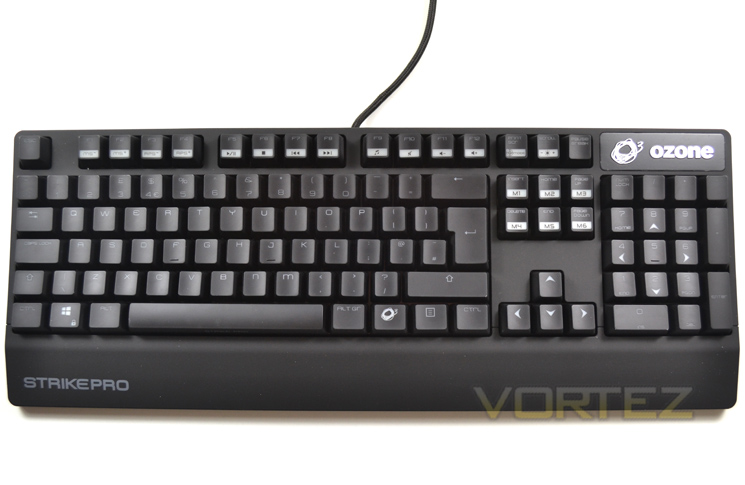
At first glance the keyboard looks pretty much like most mechanical gaming keyboards. It is not oversized and is similar in size to a bog standard Dell office keyboard minus the wrist rest. Looking closer though we see that OZONE have gone a step further than much of the competition by providing a rubberised coating to the main frame while the keys themselves are silky/matt to the touch. Without the back-light illuminating the keys, identifying individual key functions is not the easiest, especially in dim lighting so unless you’re an adept typist, writing an essay would be cumbersome without the back-lighting enabled.
The layout is, however, very good and intuitive with the main keyset uncluttered thanks to the separate media key functions being dedicated to the function F1-F12 keyset.
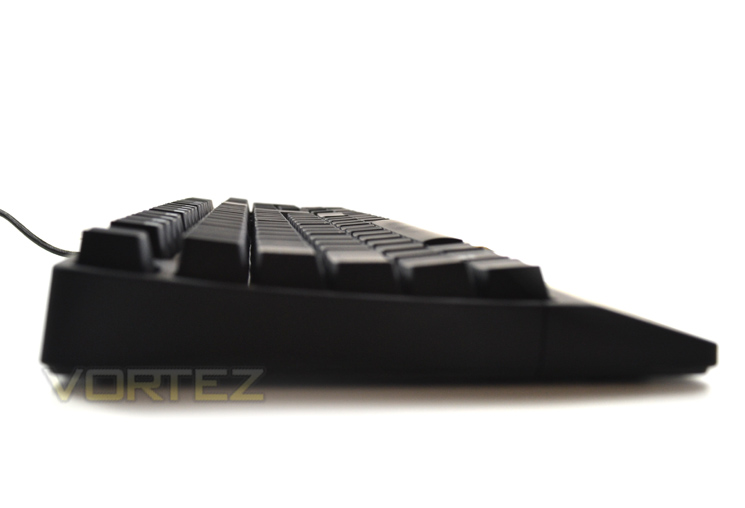
With the legs folded away, we see that the profile of the keyboard is curved in nature with the bottom most keys actually rising away from the user. While we will go into the ergonomics of the keyboard later in the review we do not feel this is the best position for either gamers or typists. Rising the keyboard legs does compensate somewhat but this also creates a separate issue which made our wrist cramp slightly after extended use but more on this later.
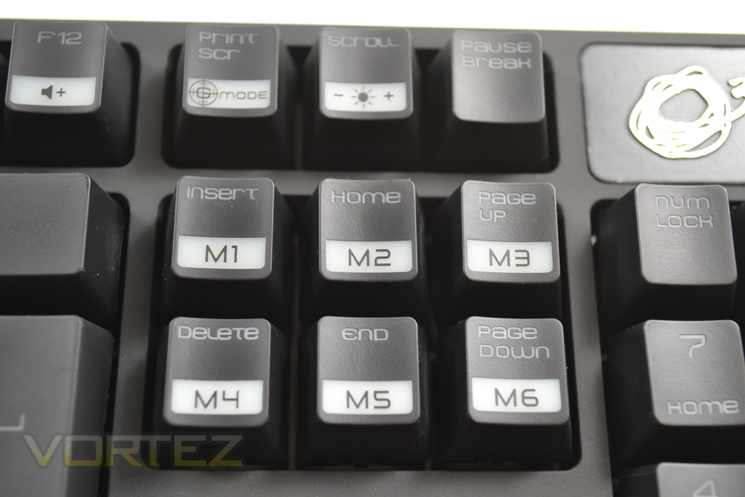
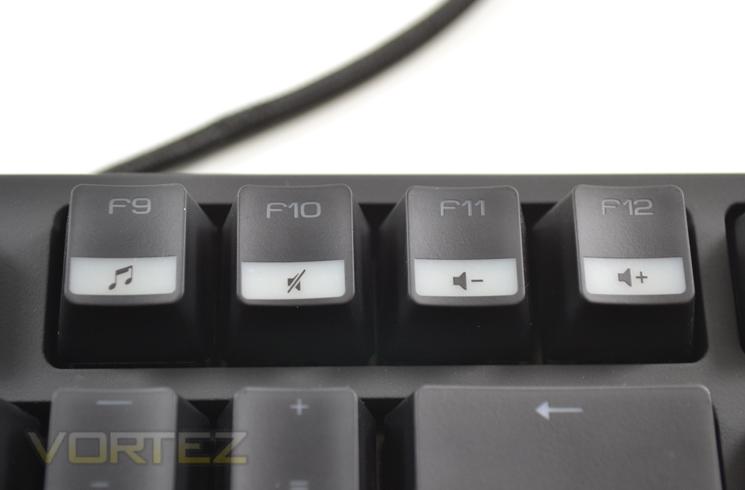
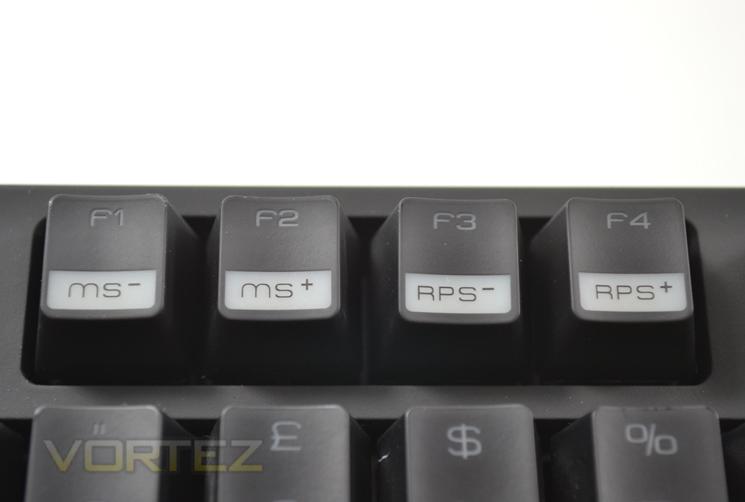
The Strike Pro features a plethora of media function keys which are accessed using the 'O' zone key in conjunction with each media key. This is a great feature as the last thing you need popping up while fragging some poor soul is WMP or the desktop through a misplaced finger! The Macro functions are also easily accessed along with the profiles which can be configured using the included software.
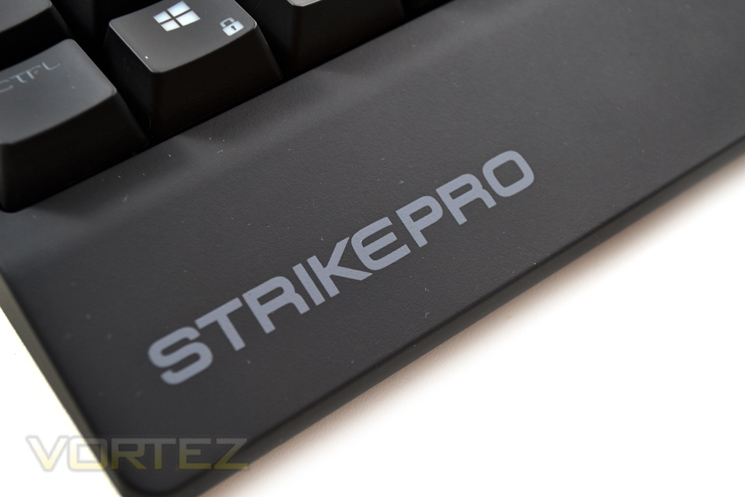
The palm rest forms part of the frame of the keyboard and cannot be removed. We are not sure we liked this 'feature' nor this particular design of palm rest as it barely supported our palms and unless you have child like hands it doesn't appear to serve any functional purpose.
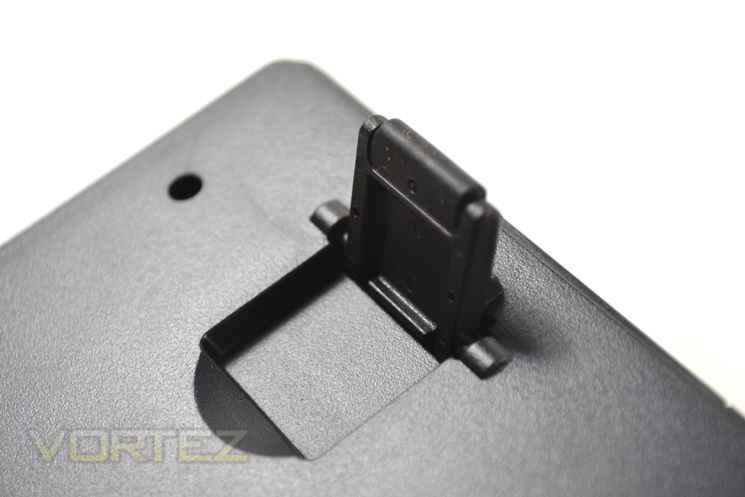
The extendable feet of the keyboard are always a welcome addition and the rubber coating act as non slip during intense use which was great in use as the keyboard felt both sturdy and resistant to abuse.
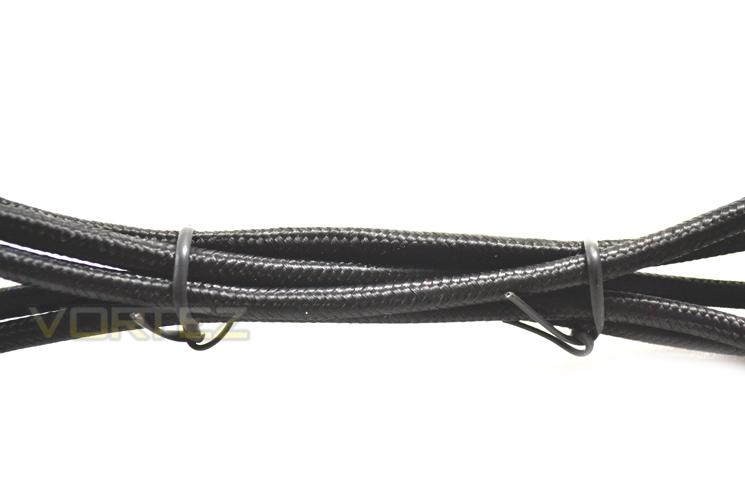
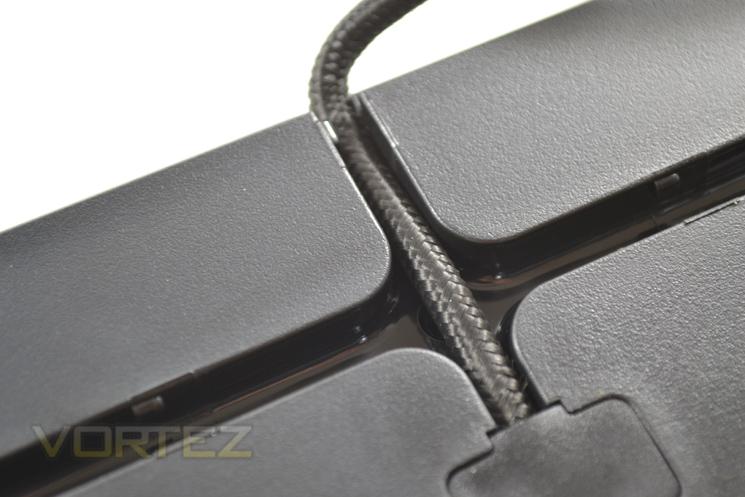
The cabling of the keyboard is fully braided however this made the keyboard cable much thicker than it really was. Fear not though because the cable can be hidden beneath the keyboard and directed in most any direction to assist in keeping a cable and clutter free desk space.
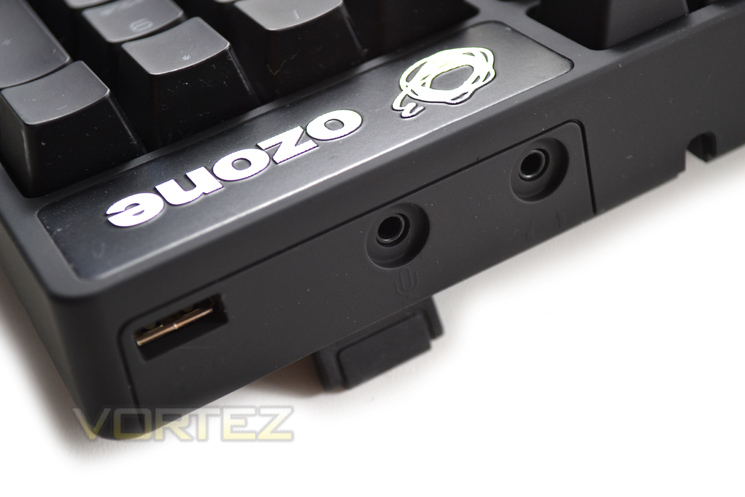
The attachments are all gold plated which serve for excellent connectivity and durability. The additional 3.5mm cables are audio/mic plugs which are extensions to the rear of the inputs of the keyboard allowing you to plug your gaming headset directly through the keyboard rather than fiddling around the back of your main PC unit.


