**UPDATE**
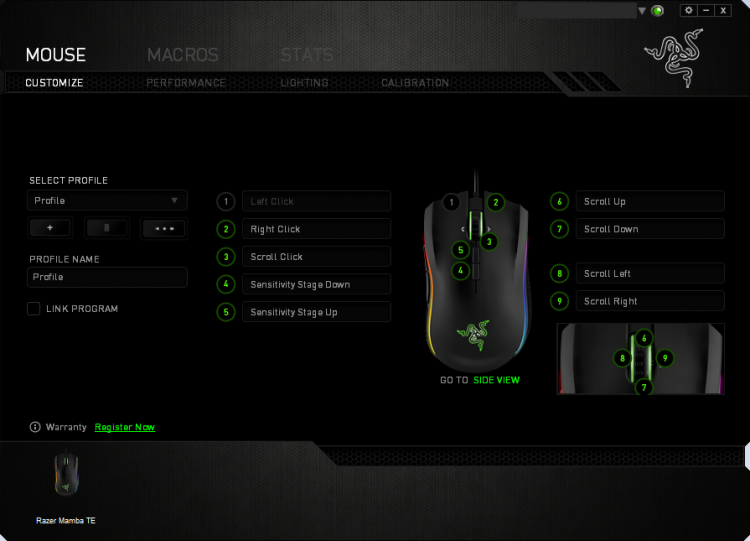
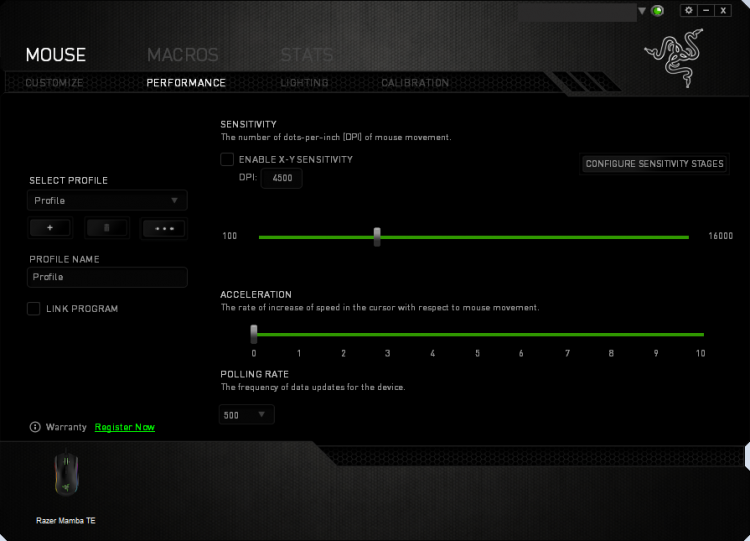
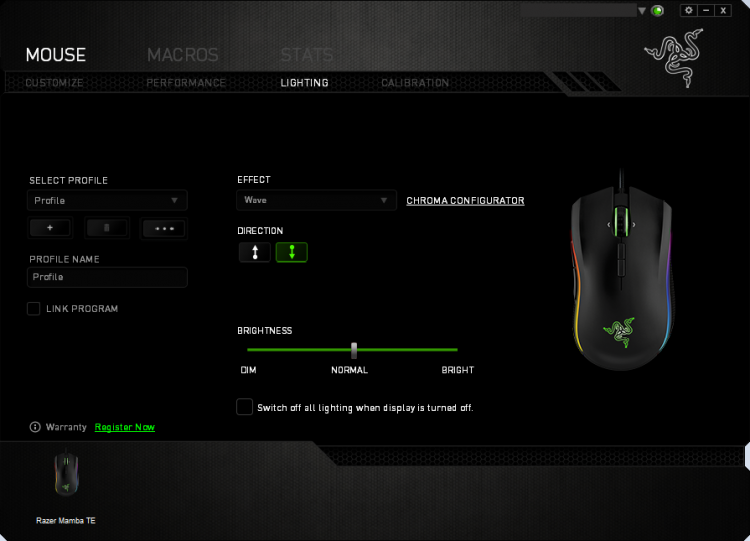
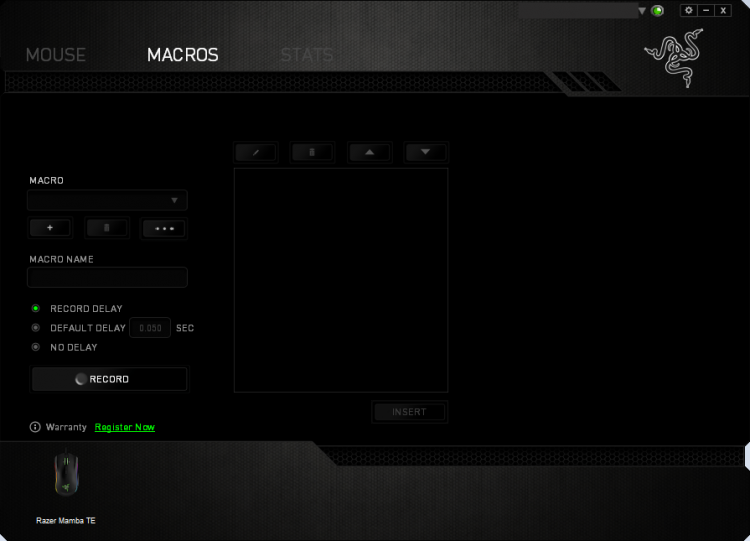
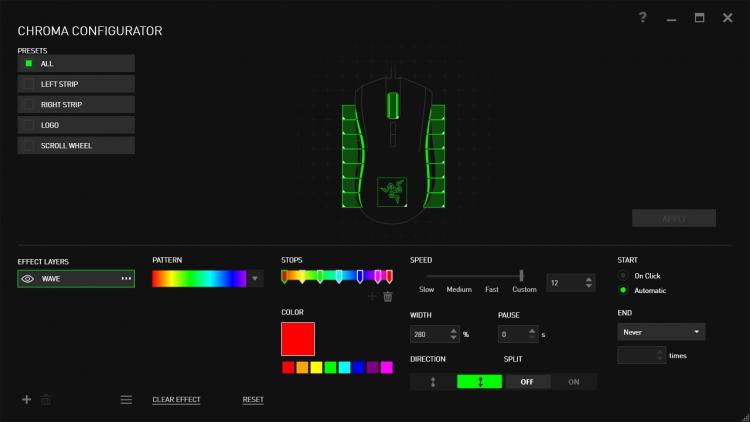
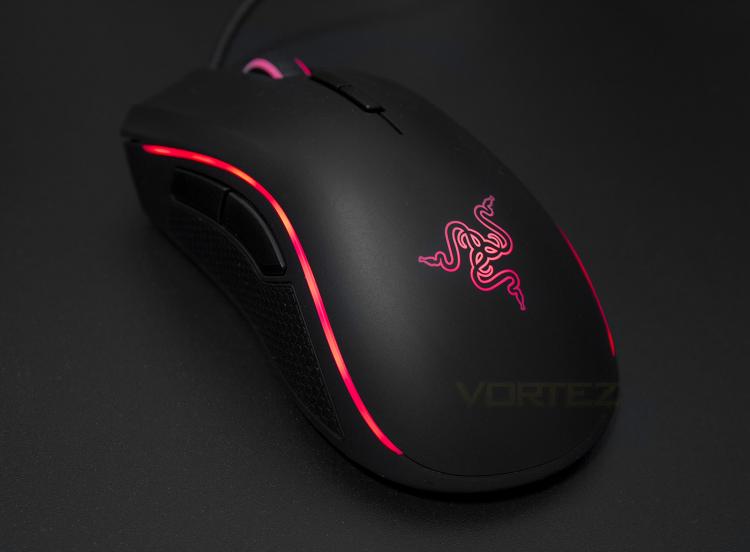
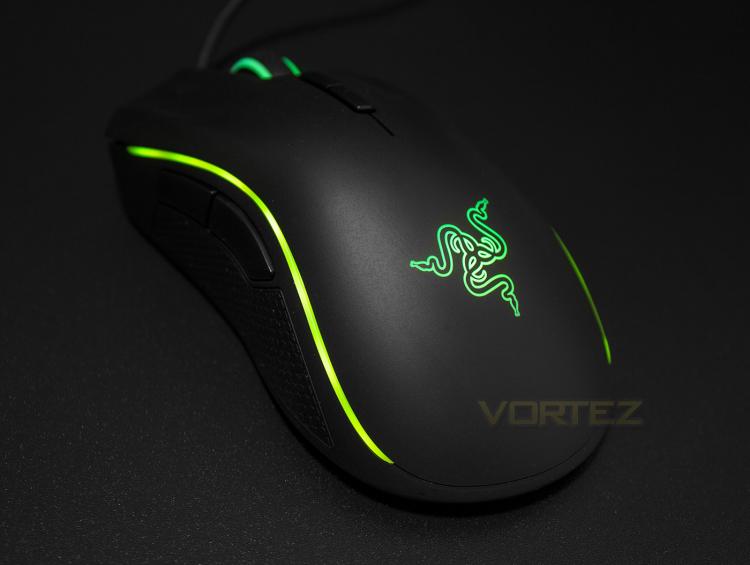
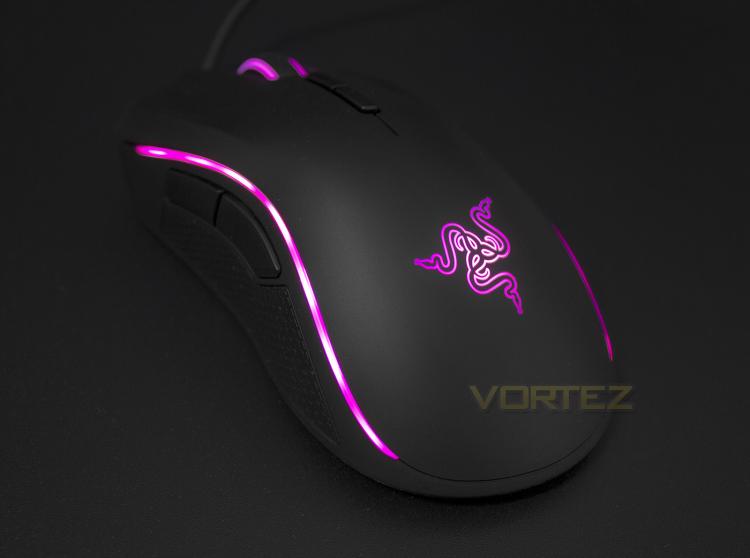
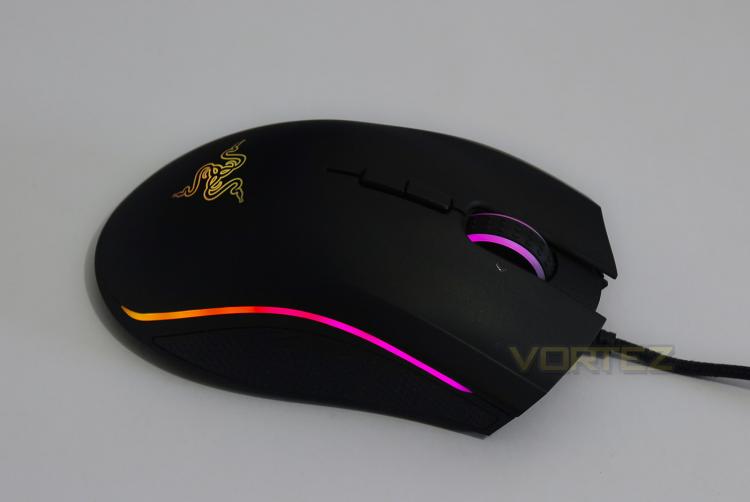
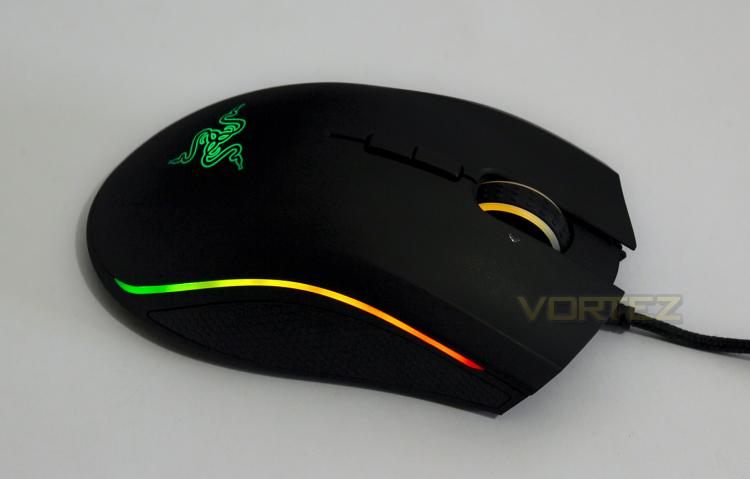
So the Razer Synapse Driver for the Mamba has been released and the options and controls are as easy to access and comprehensive as expected. You can assign each key with a macro as well as customise the performance level and lighting to taste. Interestingly the Mamba also features the Advanced Chroma Configurator which will be seen on the BlackWidow Chroma keyboard too. The Mamaba TE has 4 lighting Zones being the Wheel, the Logo, and 2x side strips. Each strip of lighting at the sides has 7 points of vibrant illumination which is accurate and impressive and through the Chroma configurator there are plenty of lighting options to be found.
The reactive mode looks awesome as you can create interesting lighting effects which activates with each click, however its a shame you can't control each side strip of lighting independently.. IE left click activates left side lighting, and right activates right side. If it could do this, the reactive mode would certainly be more impressive.