
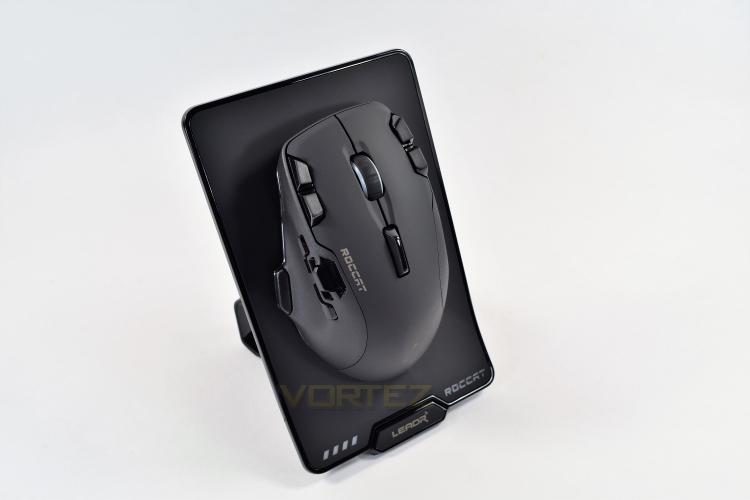
The charging base is a rather large affair, which is fully required when you take into account the size of the Leadr itself. There’s a set of 4 blue LEDs on the bottom left of the stand, which indicates the Leadr’s current battery level, opposite to that, is the blue backlit ROCCAT branding; due to the RGB nature of the mouse, it would’ve been favourable to have the option of changing the colour of these lights to match your chosen colour scheme, or being able to dim them somewhat. It’s worth noting that the wireless range is easily 15-20ft, when in plain sight, so the base could be positioned out-of-sight and would also be suitable for use in a large living room with a TV-PC.
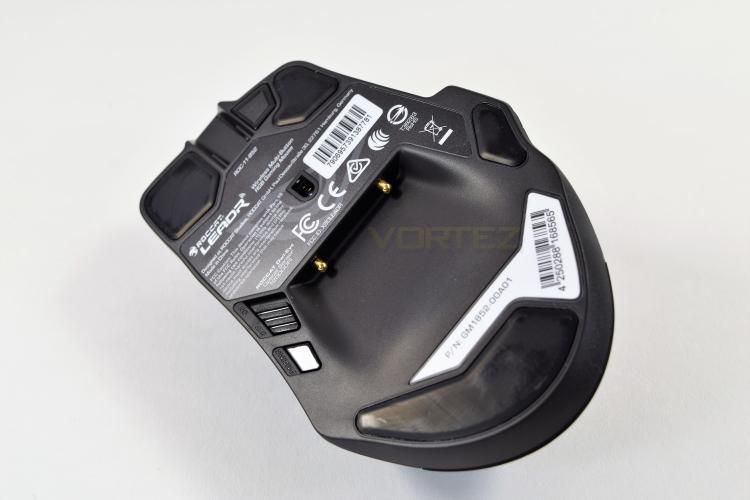
Flipping the mouse over you can see those two golden pins, located at the deepest point of that recess; they’re for the charging base and locate themselves incredibly well. Just above that is the ROCCAT Owl-Eye sensor, capable of 12,000 DPI, you will note that the sensor is positioned towards the front of the mouse, and not dead-centre like most mice; this may cause accuracy issues for some users. Well-placed Teflon pads also cover a decent portion of the underside.
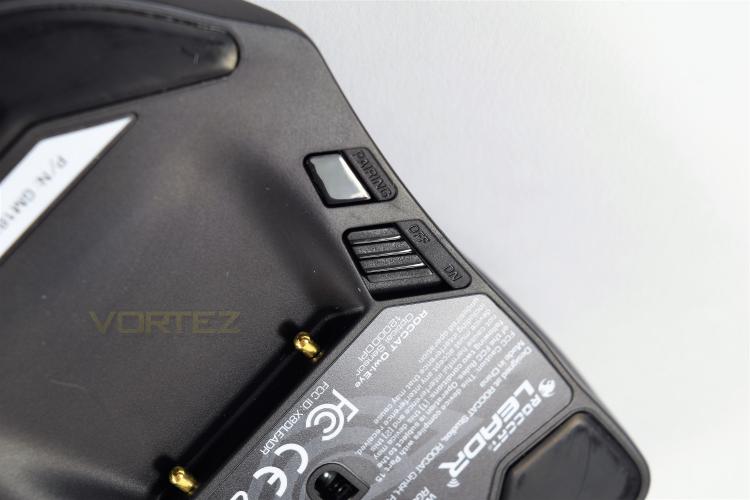
Just to the left of the charging recess is an On-Off switch, if you’d rather control the power instead of relying on the auto-off function. There’s also a pairing button, which you should only need once.
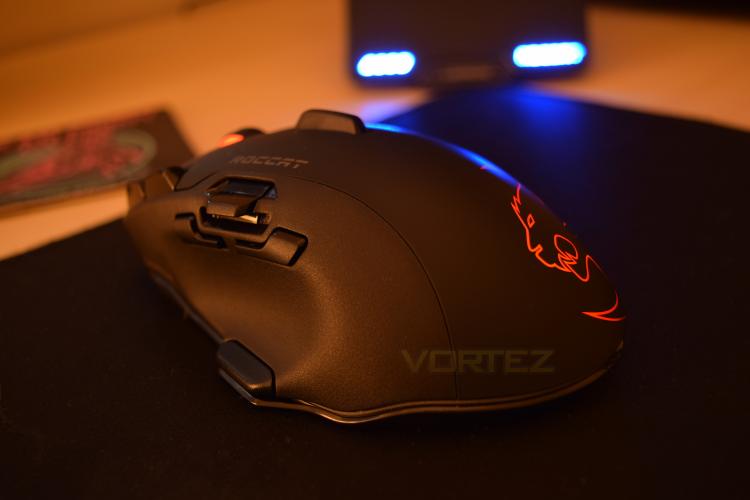
The RGB lighting isn’t the brightest we’ve seen, but it's certainly clean and crisp, really showing off that huge ROCCAT Logo on the back of the mouse. A full 16.7M colours can be utilised.
Flipping the mouse over you can see those two golden pins, located at the deepest point of that recess; they’re for the charging base and locate themselves incredibly well. Just above that is the ROCCAT Owl-Eye sensor, capable of 12,000 DPI, you will note that the sensor is positioned towards the front of the mouse, and not dead-centre like most mice; this may cause accuracy issues for some users. Well-placed Teflon pads also cover a decent portion of the underside.
Just to the left of the charging recess is an On-Off switch, if you’d rather control the power instead of relying on the auto-off function. There’s also a pairing button, which you should only need once.
The RGB lighting isn’t the brightest we’ve seen, but it's certainly clean and crisp, really showing off that huge ROCCAT Logo on the back of the mouse. A full 16.7M colours can be utilised.


