
The clearance options inside a chassis are imperative to establishing whether specific hardware will fit or not. In this part of the review we go to significant areas of the case to discover what the limitations are.
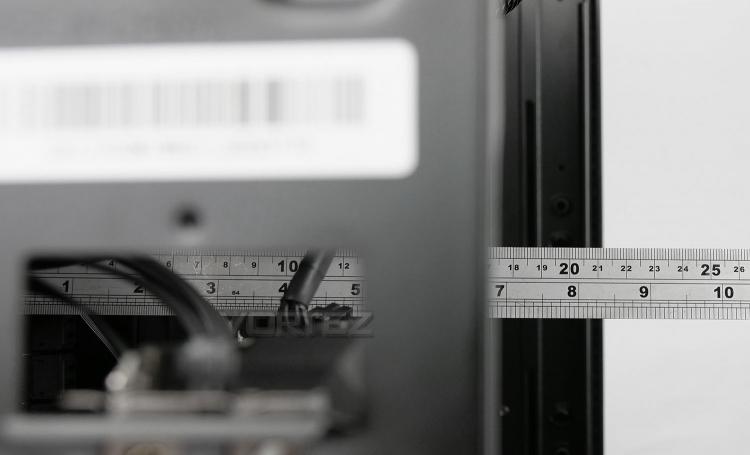
CPU Cooler
Despite Thermaltake saying there is a maximum of 180mm for the height on the CPU cooler – there is a little bit more, up to 190mm is available before the top of the cooler touches the side panel.
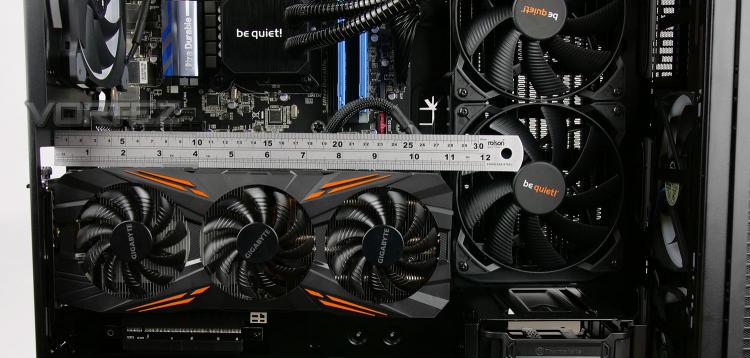
Graphics Card
In the graphics card department, there are a few things to consider. If you are planning to install a radiator in the same positioned as we have, you have up to 280mm of clearance if you choose to install the graphics card in the traditional manner. However, if you plan to install the graphics card in a rotated orientation then the storage cage may become an issue and in which case you have up to 290mm.
If you opt for installing the graphics card rotated and remove the storage cage then you have around 400mm to play with – clearance isn’t an issue.
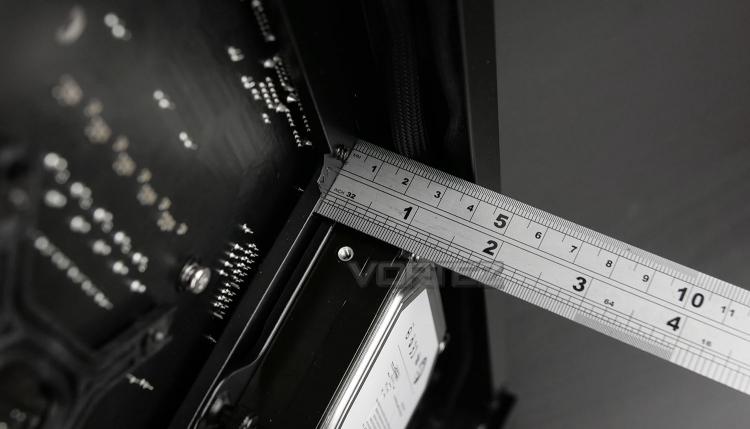
Cable Management
The area behind the motherboard tray allows redundant cables to be routed and can affect the tidiness inside a chassis. So, we have approximately 35mm behind the motherboard tray which is the most space we’ve ever encountered on a computer chassis. This allows you to gain effective control over those unruly cables and present things in a tidy fashion. Having generous amounts of space behind the motherboard tray means you don’t necessarily have to be as orderly with where unwanted cables go..
Water Cooling
Due to the physical design of View 37 there are plenty of options for installing radiators and custom loops. While the top panel cannot accommodate any such device, the front can house: 360/280mm radiators, the side can house: 420/360/280mm radiators and the rear can house: 120/140mm radiators.


