
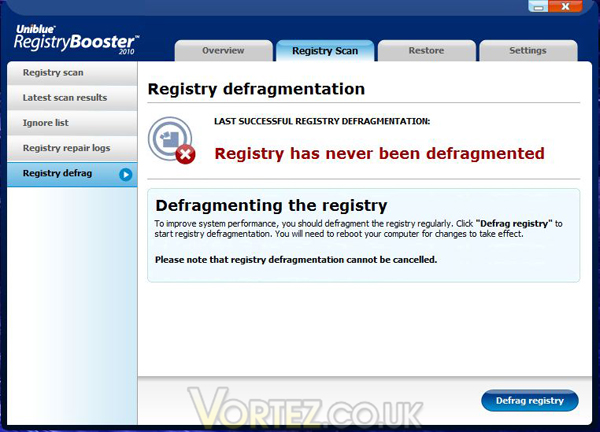
Registry defragmentation is another useful feature of this program which we will look at next. The registry, like any data store, can become fragmented over time and this can increase the time taken for the system to process the registry when starting up etc, so having the ability to keep the registry defragmented is very useful.
Registry defragmentation
This feature is found on the main 'Registry Scan' tab and as it says this will require a reboot afterwards to complete the process on every use.
Defrag progress
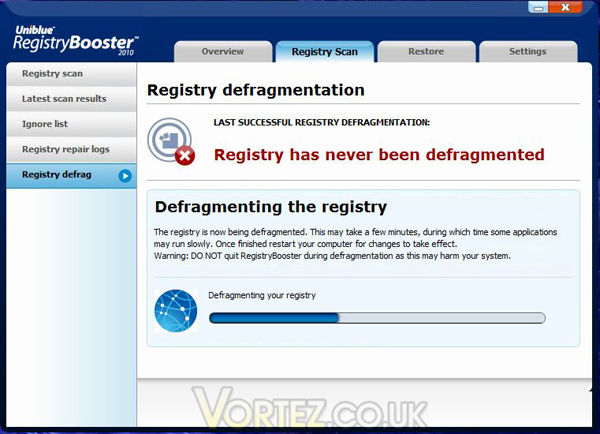
When you click on 'Defrag registry' you get a progress bar and a warning that 'This may take a few minutes, during which time some applications may run slowly.'! To be honest I would recommend that this process is something you run on it's own anyway – you can keep working whilst it is doing it's thing but personally I prefer to let it have the full run of the system without me interfering!
Reboot needed
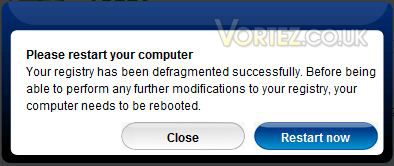
And now we are done – please reboot the system for changes to be made.
Defrag result
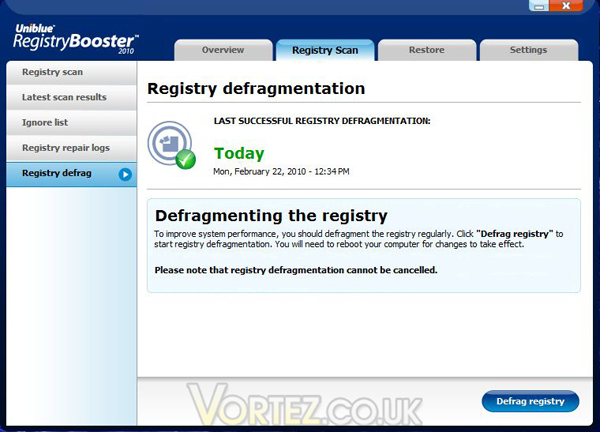
So that's it, we have found and fixed 95 registry errors and done a complete defragment of the registry in less than 15 minutes (according to the times on the screenshots!) To check what actions have been taken we can look at the Registry repair logs, also found on the main Regsitry Scan tab.
Repair logs
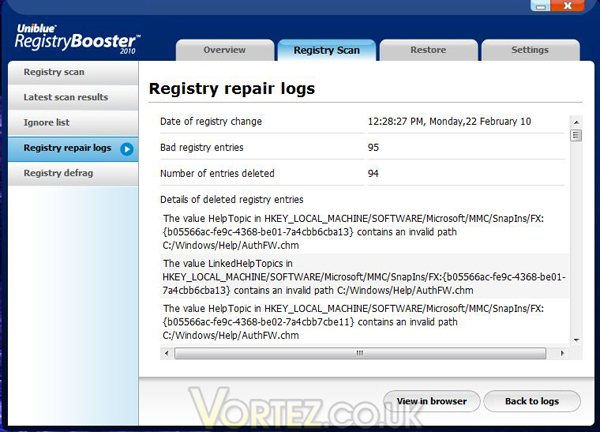
As you can see you get an overview of what was scanned and when, and anything found to be considered a 'Bad' registry entry, along with the full path to the item in the registry and what it was found to be at fault for.
This feature is found on the main 'Registry Scan' tab and as it says this will require a reboot afterwards to complete the process on every use.
When you click on 'Defrag registry' you get a progress bar and a warning that 'This may take a few minutes, during which time some applications may run slowly.'! To be honest I would recommend that this process is something you run on it's own anyway – you can keep working whilst it is doing it's thing but personally I prefer to let it have the full run of the system without me interfering!
And now we are done – please reboot the system for changes to be made.
So that's it, we have found and fixed 95 registry errors and done a complete defragment of the registry in less than 15 minutes (according to the times on the screenshots!) To check what actions have been taken we can look at the Registry repair logs, also found on the main Regsitry Scan tab.
As you can see you get an overview of what was scanned and when, and anything found to be considered a 'Bad' registry entry, along with the full path to the item in the registry and what it was found to be at fault for.


